NOTES, RESOURCES, ADDITIONAL INFORMATION | 79
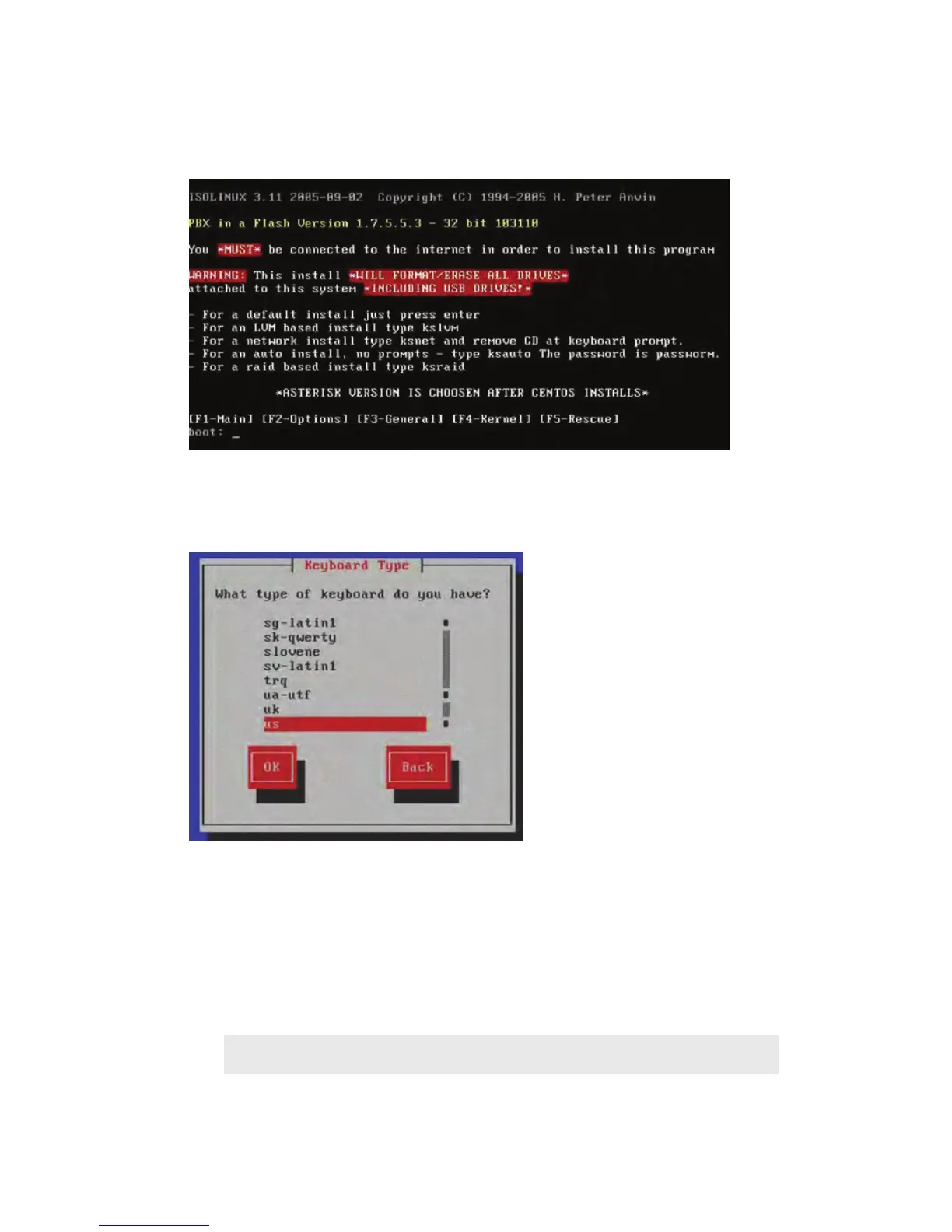
Select the US keyboard (or the keyboard of your choice) when prompted, then press the <TAB>
key to advance to the “OK” prompt. After this selection, the GUI starts up. Move your mouse to
verify that it works.
The system asks how you want to use the disk. It points out that You have chosen to remove all
partitions (ALL DATA) on the following drives <lists drives>. If you’re sure that this is OK (and
it should be), select “Yes”.
You’ll be asked your time zone. Select the correct one and click “Next”
Next, you’ll be asked to enter your root password. It is case sensitive! Enter and confirm it as
asked. Then click Next
TIP
Be sure to remember your root Password. You’ll need it later to continue the system setup.
Centos installation commences (this is the operating system). The drive will be formatted
and the installation and program files are copied. The operating system will be installed and



 To Next Page