11 Performing the measurement
45
Auto-scaling continuously adjusts the scale to the readings presented,
and the colour assigned to a temperature value changes. In manual
scaling fixed limit values are defined, and the colour assigned to a
temperature value is fixed (important for visual image comparisons).
Scaling influences the way the infrared image is shown on the display
but does not affect the recorded measuring values.
With ScaleAssist, a standardized scale is set depending on the inside
and outside temperature.
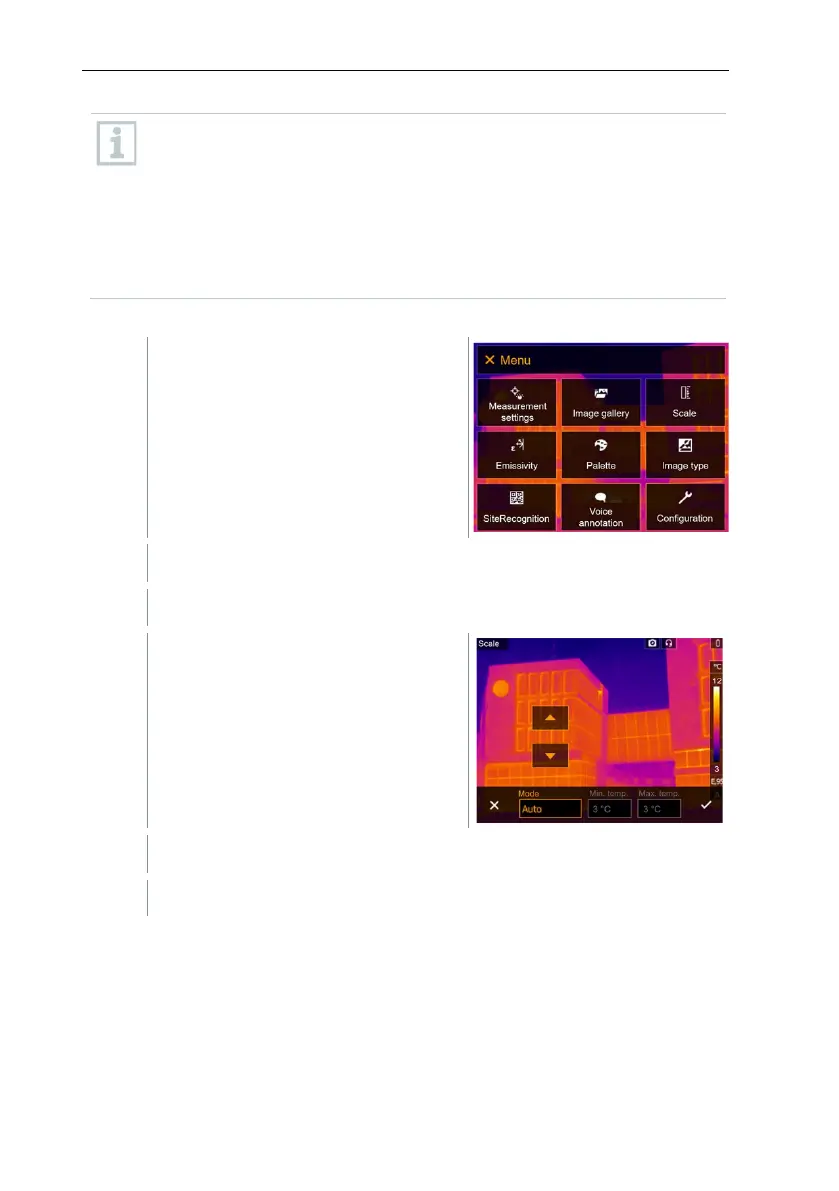
Setting automatic scaling
Select Scale (joystick or touchscreen).
Scale opens.
Confirm selection with or exit the menu with X.
Automatic scaling is activated. A is displayed bottom right.
Setting manual scaling
The lower limit value, the temperature range (upper and lower limit value
simultaneously) and the upper limit value can be set.



 To Next Page