11 Performing the measurement
46
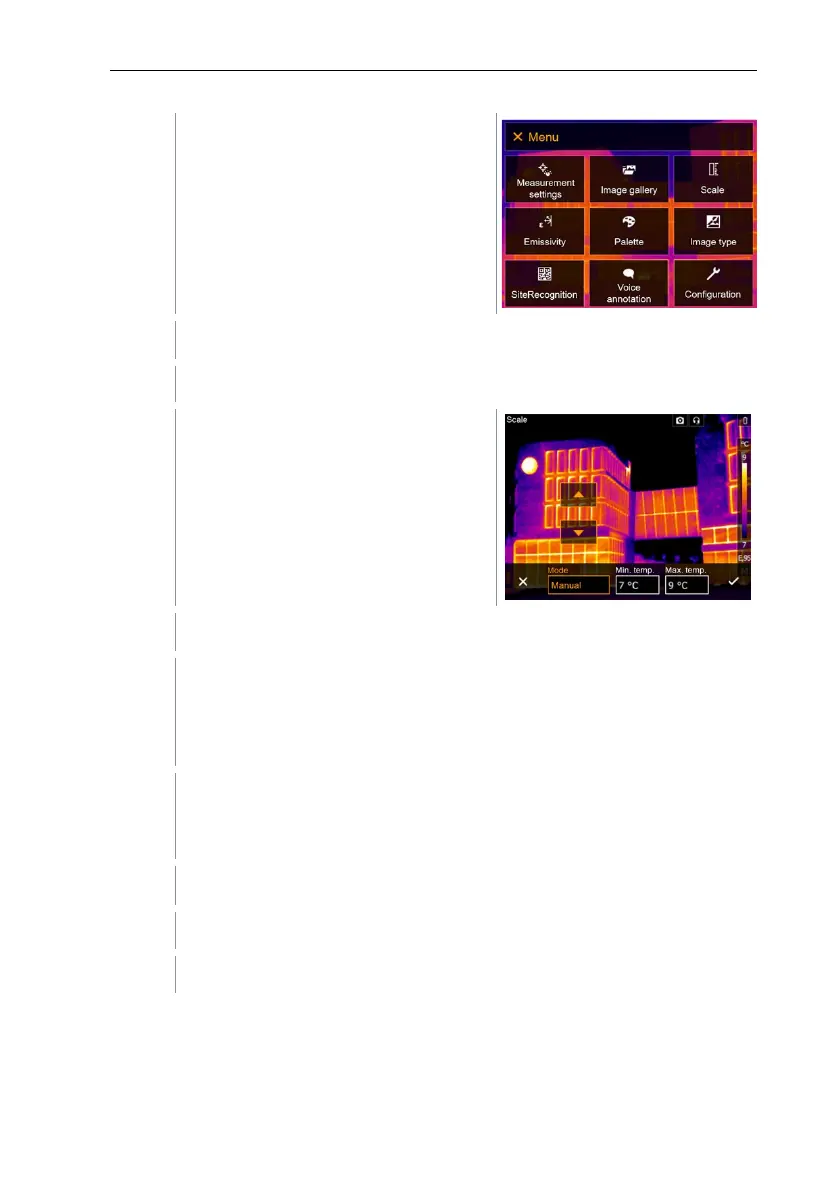
Select Scale (joystick or touchscreen).
Scale opens.
Move the joystick to the right, select Min.Temp. (lower limit value).
Move the joystick to the right, select Min.Temp. (lower limit value) and
Max.Temp. (upper limit value).
Move the joystick up/down to set the values.
Move the joystick to the right, select Max.Temp. (upper limit value).
Move the joystick up/down to set the value.
If necessary, move the joystick to the left, back to the mode menu.
Confirm selection with or exit the menu with X.
Manual scaling is activated. M is displayed bottom right.
Setting up ScaleAssist
The ScaleAssist function calculates a display-neutral scale depending on the
inside and outside temperature. This scale graduation can be used to detect
structural defects in buildings.



 To Next Page