12.1 Reset
The device can be unlocked if it no longer responds to the commands.
The device is unlocked thanks to a forced hardware reset achieved by pressing the specific
button.
The hardware reset forces the device to turn off and is followed by an
automatic restart.
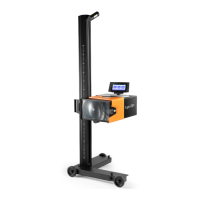
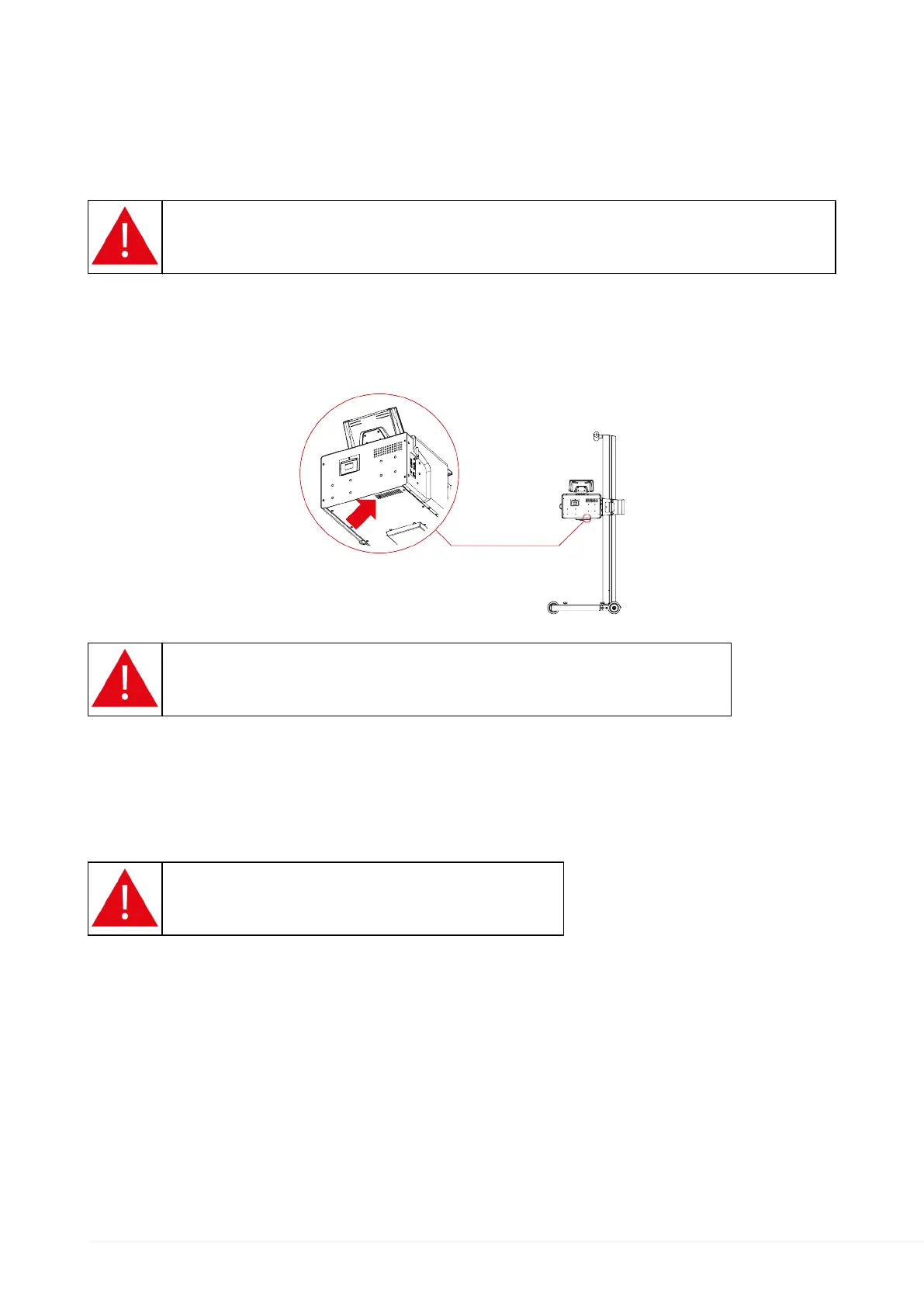
The reset button is inside the device and can be accessed through the specific opening on
the lower side of the optical box.
The opening is located on one of the ventilation holes.
Do not use sharp objects such as screwdrivers, pins, nails, etc.
Proceed as follows:
1.
Identify the opening that allows accessing the reset button.
2.
Insert a sufficiently long (not sharp) tool through the opening.
3.
Press the button for approximately 1 second.
Excessive pressure may damage the device.
80


 To Next Page
 Loading...