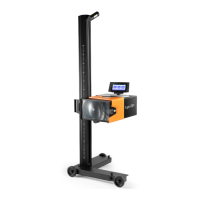
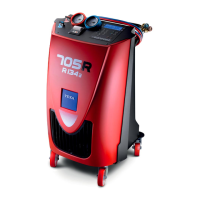
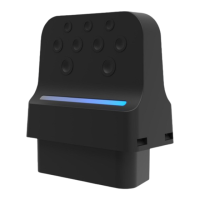
13.1 Wi-Fi
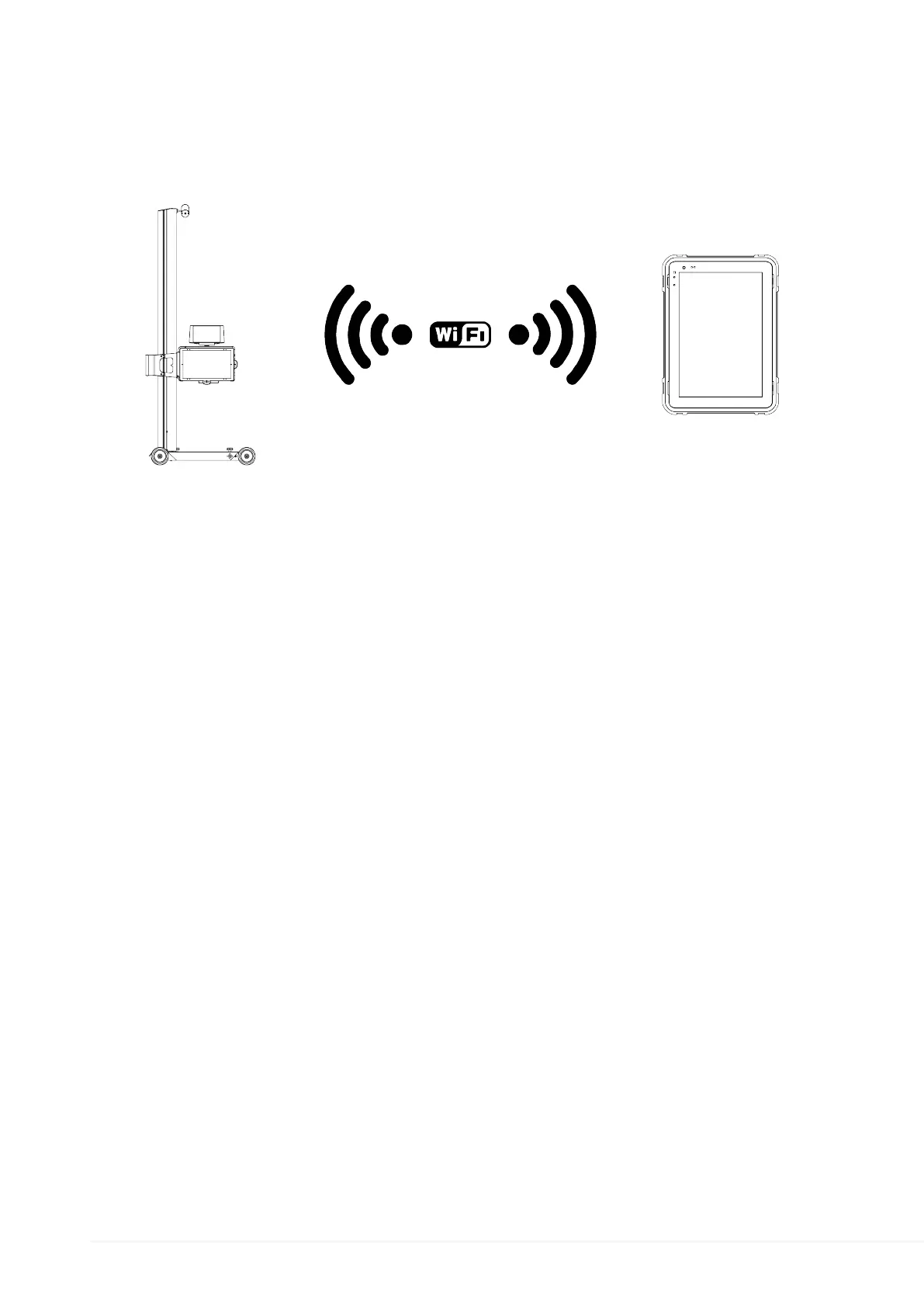
The device uses the Wi-Fi connection to connect to the Internet and receive the software
updates.
The Wi-Fi connection also allows using the device through a display unit.
Proceed as follows:
1.
Turn on the device.
2.
Turn on the display unit. *
3.
Start the device's configuration function
4.
Follow the on-screen instructions
(*) Optional
For further information see the software Operating Manual.
82


 To Next Page
 Loading...