15 PHOTOMETRIC ANALYSIS
For a correct photometric analysis, the working surface, the device and the vehicle must
comply with the indications provided in the Preliminary Operations chapter.
Failure to comply with the indications provided in the Preliminary Operations
chapter may cause incorrect results and, as a consequence, the vehicle
headlights may be adjusted improperly.
An incorrect headlight adjustment may blind the other drivers.
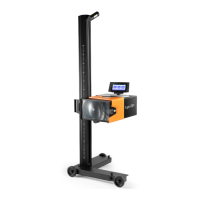
In order to carry out a photometric analysis with eLight ONE, you also need
a display unit with the specific software installed.
Using the software's diagnostic functions requires the use of a VCI and the
activation of a specific license.
Proceed as follows:
1. Turn on the device.
2. Connect the VCI (if any) to the vehicle's OBD socket.
3. Turn the vehicle's ignition key on ON (instrument panel on).
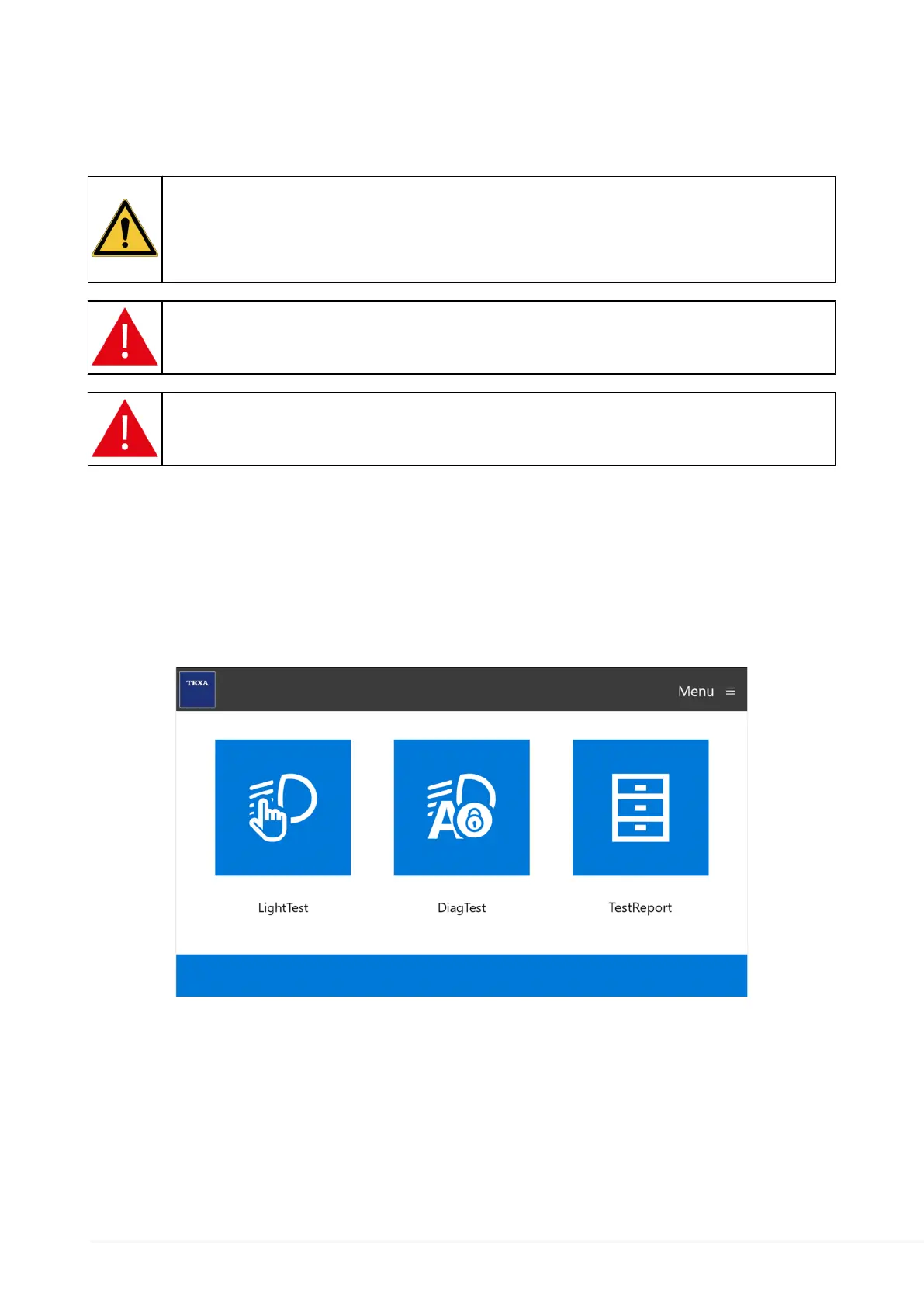
4. Also turn on the display unit (if any) and start the software for the photometric analysis.
The software home screen is displayed.
5. Select the type of analysis to carry out.
6. Follow the instructions that appear on screen.
7. Select the vehicle you wish to carry out the analysis on by following the on-screen
instructions.
8. Select the type of light of the headlight being tested.
9. Carry out the photometric analysis on the first headlight.
10. Carry out any operations required to correct the light beam. *
90


 To Next Page
 Loading...