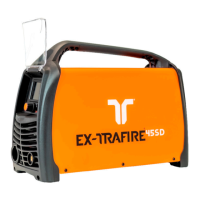
EX-TRAFIRE
®
105HD 7 Operation of the power supply
27
7.1.1 Setting the parameters
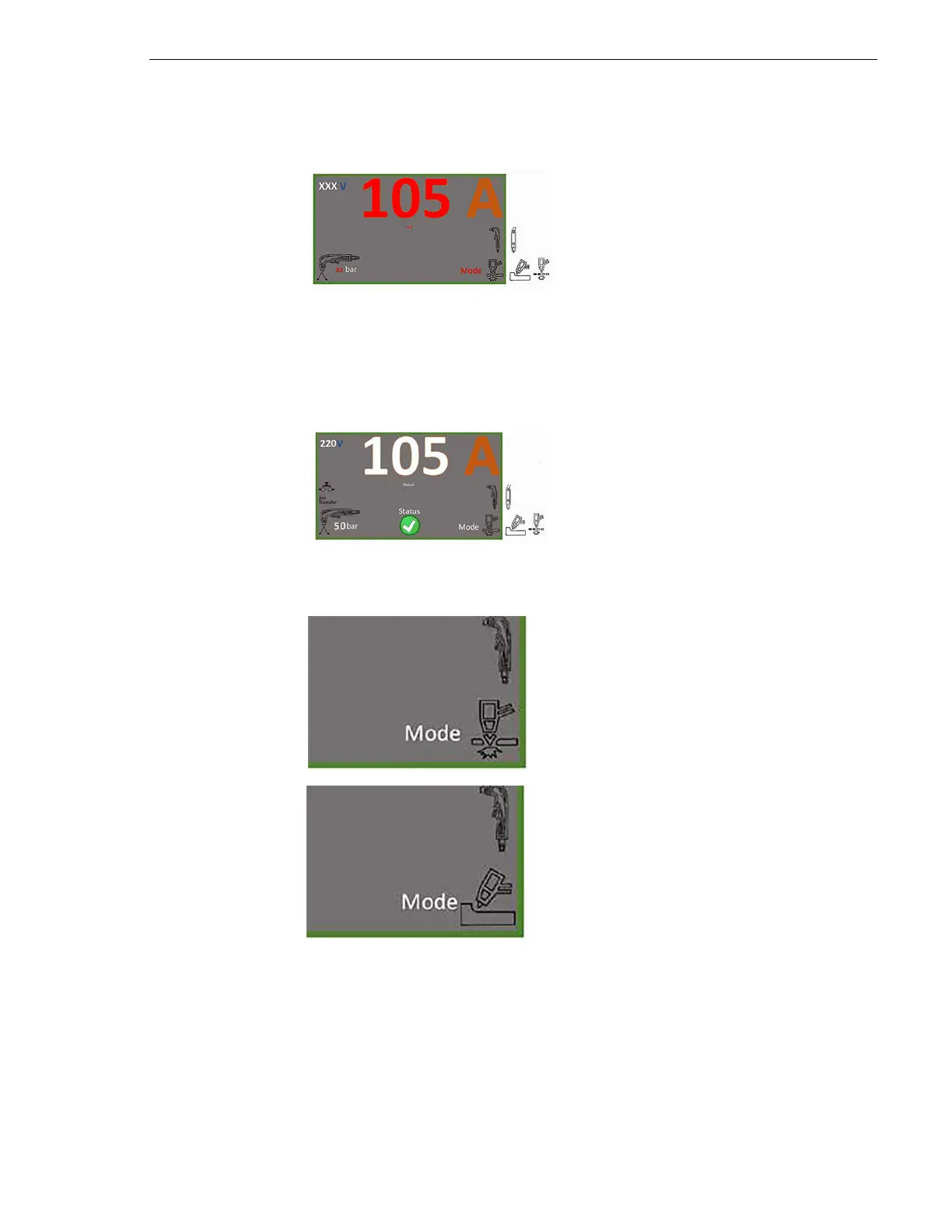
The LCD menu is used to set the output current (amps), cutting modes, and
pressure in bar, or psi.
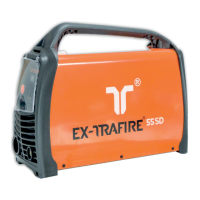
7.1.2 Selecting the cutting mode
1 Press the multi-function button for
one second.
The adjustable values and the word
“Set” flash in red.
2 Press the multi-function button briefly
to switch between the values.
3 Turn the multi-function button to the
left or right to increase or decrease
the values.
4 Press the multi-function button briefly
to accept the set values.
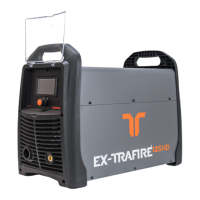
Once all values are set, they are
displayed in white and the word
“Status” appears with a green and
white checkmark.
Cutting
The current is 20–105 A.
The pressure of the cutting gas is
70 to 75 psi (4.8 to 5.2 bar).
Gouging
The current is 20 –105 A.
The pressure of the gas is 72 psi (5 bar).
Optional Marking
(uses same icon as gouging)
The current is 10*– 20 A.
The pressure of the gas is 35 psi
(2.4 bar).
The pressure is changed under
SETTINGS.
*Optional light marking


 To Next Page