2. Note there is no difference in the left side and right side shelf channels.
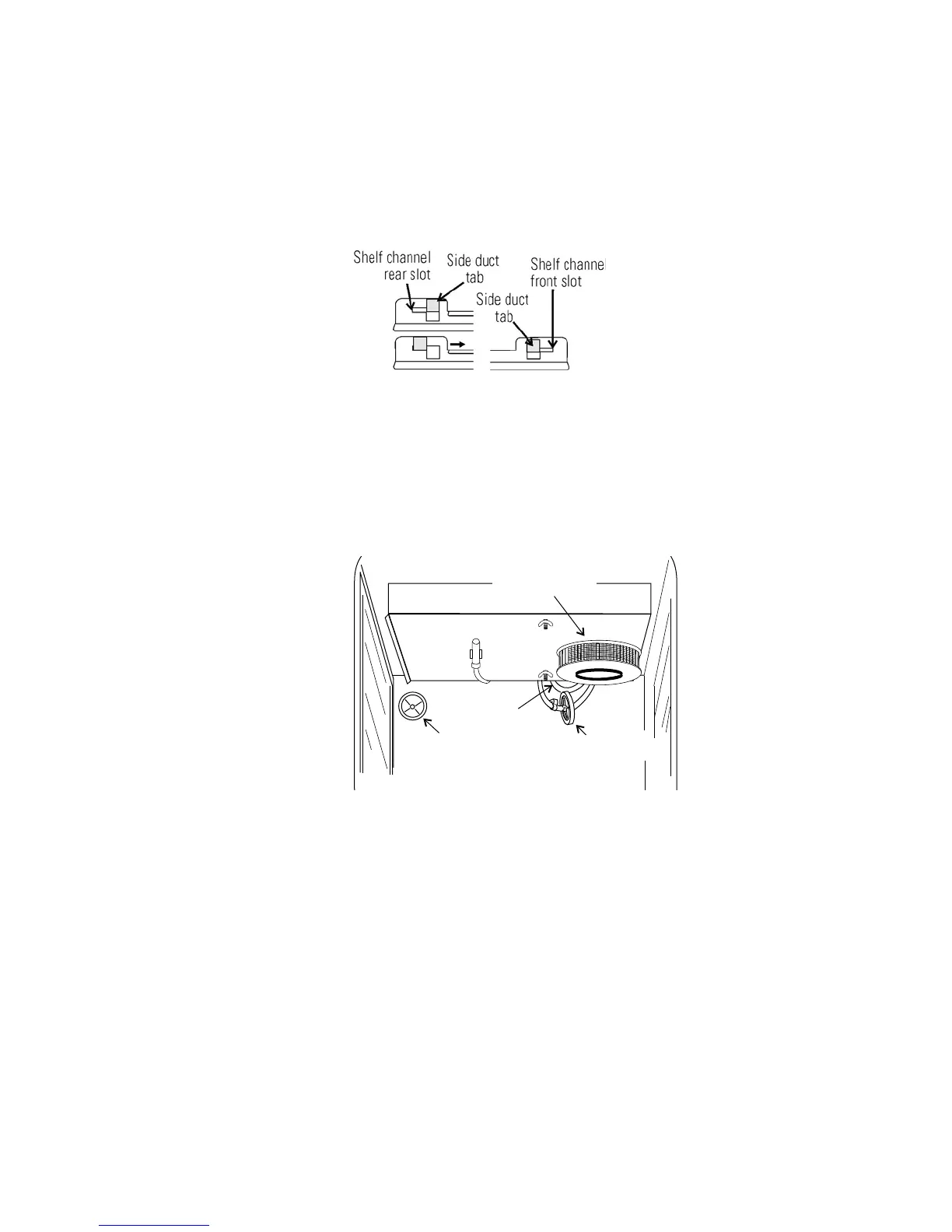
3. Install the shelf channels by placing the channel’s rear slot over the
appropriate rear tab on the shelf support. Pull the shelf channel
forward and engage the channel’s front slot into the shelf support’s
appropriate forward tab. Refer to Figure 1-8.
Locate the opening in the top left corner on the inside of the chamber.
Remove the tape covering the opening on the outside of the unit. Locate
the stopper with filter in the hardware bag. Install the assembly in the
opening inside the chamber. See Figure 1-9.
Figure 1-9. Filter and Sensor Locations
Caution Be careful when handling the filter. The media can be damaged if
it is mishandled.
To avoid damage to the incubator, do not operate the unit without the
HEPA filter in place.
s
1. Remove the filter from the shipping box.
2. Remove the plastic coating from the filter, using caution not to touch
the filter media.
3. Install the filter as shown in Figure 1-9. Refer to Section 5 for HEPA
filter maintenance.
Model 310 Series DH Incubator 1-7Thermo Scientific
Section 1
Installation and Start-Up
Figure 1-8. Channel Ends








 To Next Page