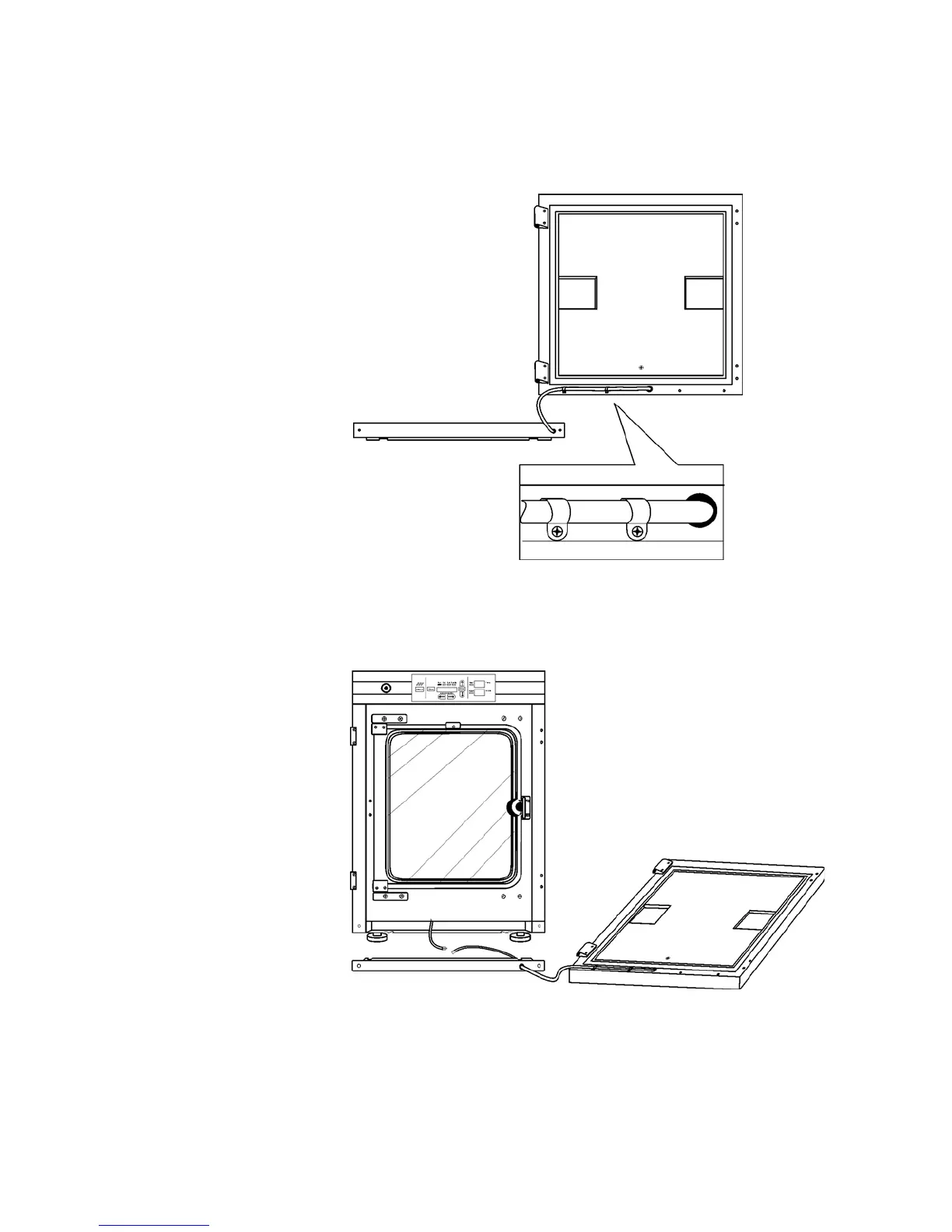
6. Rotate the kick plate and attach the door heater cable with the clips as
shown in Figure 5-3. The insert in the illustration shows the proper
positioning of the clips.
7. The incubator and door should look similar to Figure 5-4.
Model 310 Series DH Incubator 5-5Thermo Scientific
Section 5
Routine Maintenance
Figure 5-3. Rotate Kickplate
Figure 5-4. Unit with Detached Door
Reversing the Door
Swing (continued)








 To Next Page