Operation
Instrument Controls Menu
3-56 Model 42i Low Source Instruction Manual Thermo Electron Corporation
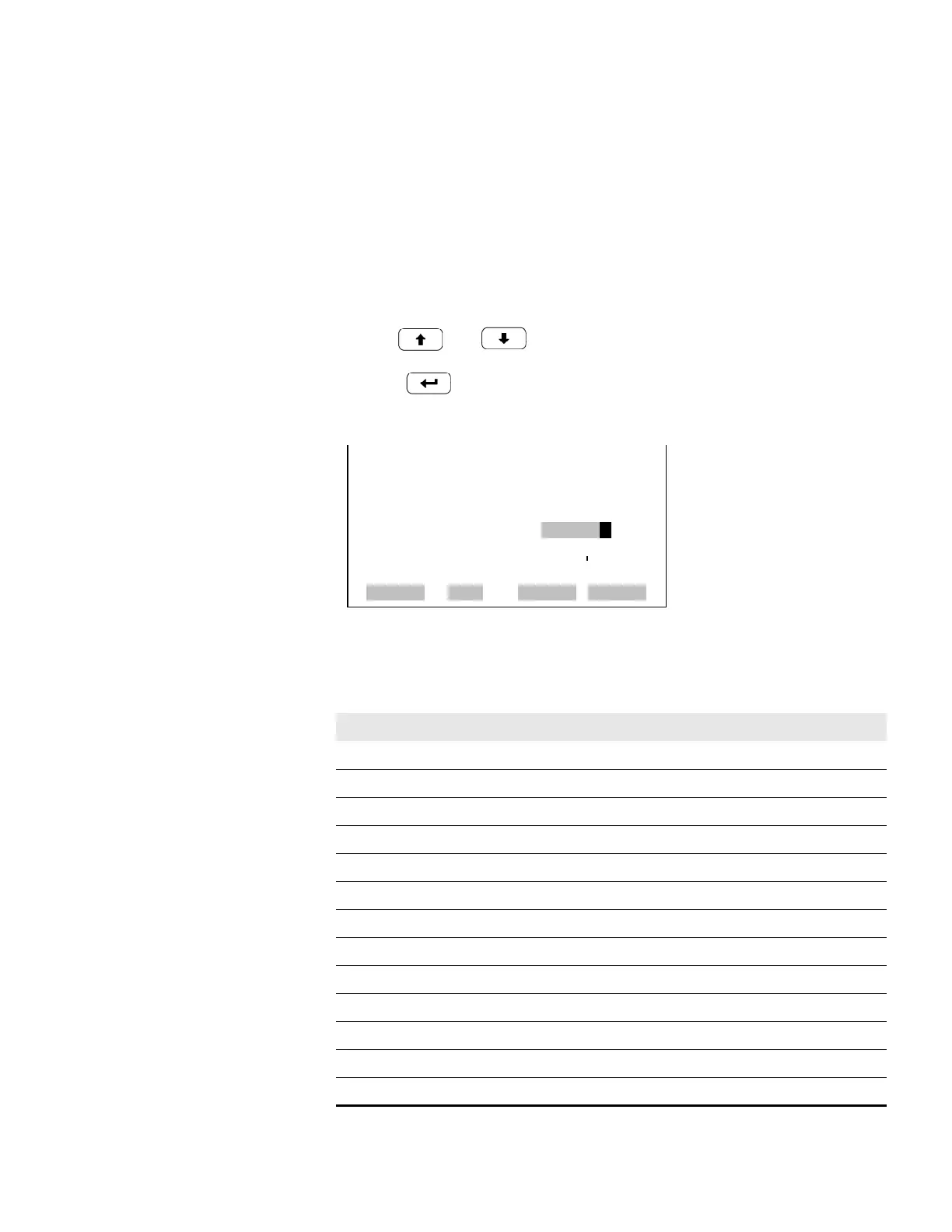
Minimum and Maximum Value The MinimumValue screen is used to edit the zero (0) to full-scale (100)
value in percentages for the selected analog output channel. See Table 3-7
for a list of choices. The minimum and maximum output value screens
function the same way. The example below shows the set minimum value
screen.
• In the Main Menu, choose Instrument Controls > IO Configuration >
Analog Output Config > Select Channel > Set Minimum or Maximum
Value.
• Use and to increment or decrement the numeric value.
• Press to validate and save the new minimum value.
Table 3-7. Analog Output Zero to Full-Scale Table
Output Zero % Value Full-Scale 100% Value
NO Zero (0) Range Setting
NO
2
Zero (0) Range Setting
NO
x
Zero (0) Range Setting
LO NO Zero (0) Range Setting
LO NO
2
Zero (0) Range Setting
LO NO
x
Zero (0) Range Setting
HI NO Zero (0) Range Setting
HI NO
2
Zero (0) Range Setting
HI NO
x
Zero (0) Range Setting
Range Status (NO
x
) Recommend not to change the setting for this output
Internal Temp User-set alarm min value User-set alarm max value
Chamber Temp User-set alarm min value User-set alarm max value
Cooler Temp User-set alarm min value User-set alarm max value
MINIMUM OUTPUT PERCENT:
SELECTED OUTPUT: V ALL
CURRENTLY: N/A %
SET TO: 0000.5 % ?
©ª CHANGE VALUE
SAVE
RANGE AVG DIAGS ALARM










 To Next Page