Operation
Instrument Controls Menu
Thermo Electron Corporation Model 42i Low Source Instruction Manual 3-57
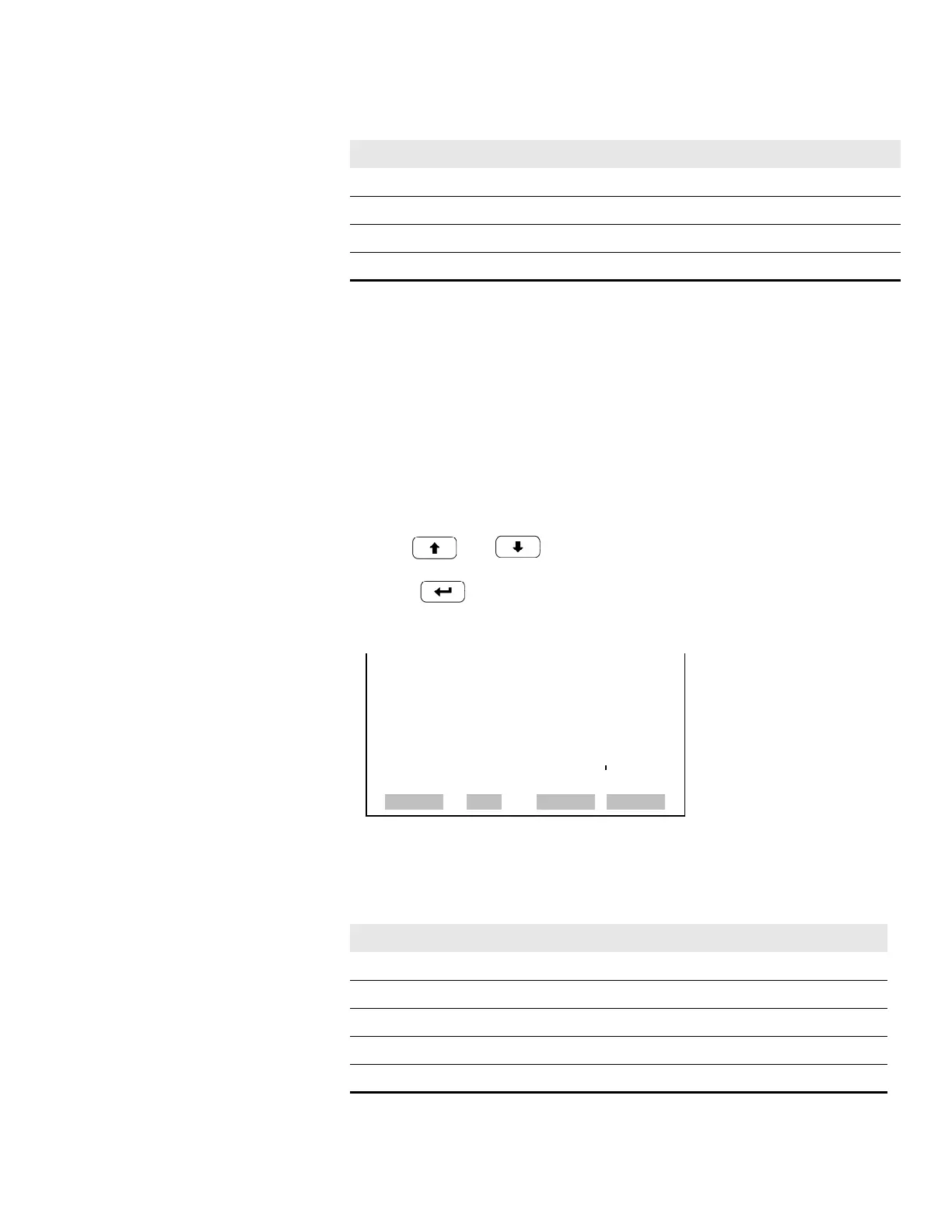
Choose Signal to Output The Choose Signal to Output screen displays a submenu list of the analog
output signal group choices. Group choices are Concentrations, Other
Measurements, and Analog Inputs (if the I/O expansion board option is
installed). This allows the user to select the output signal to the selected
output channel. The Concentrations screen is shown below. See Table 3-8
below for a list of items for each signal group choice.
• In the Main Menu, choose Instrument Controls > I/O Configuration >
Analog Output Config > Select Channel > Choose Signal To Output.
• Use and to move the cursor up and down.
• Press to select a choice.
NO
2
Converter Temp User-set alarm min value User-set alarm max value
Chamber Pressure User-set alarm min value User-set alarm max value
PMT Volts 700 volts 1100 volts
Everything Else 0 units 10 units
Table 3-7. Analog Output Zero to Full-Scale Table
Output Zero % Value Full-Scale 100% Value
Table 3-8. Signal Type Group Choices
Concentrations Other Measurements Analog Inputs
None None None
NO (single/auto range mode) Internal Temp Analog Input 1
NO
2
(single/auto range mode) Chamber Temp Analog Input 2
NO
x
(single/auto range mode) Cooler Temp Analog Input 3
LO NO (dual mode) NO
2
Converter Temp Analog Input 4
CHOOSE SIGNAL - CONC
SELECTED OUTPUT: V1
CURRENTLY: NONE
SET TO: NONE ?
©ª
CHANGE VALUE
SAVE
RANGE AVG DIAGS ALARM










 To Next Page