10
Smart AC1/TD
w w w . t i m e t e c c l o u d . c o m
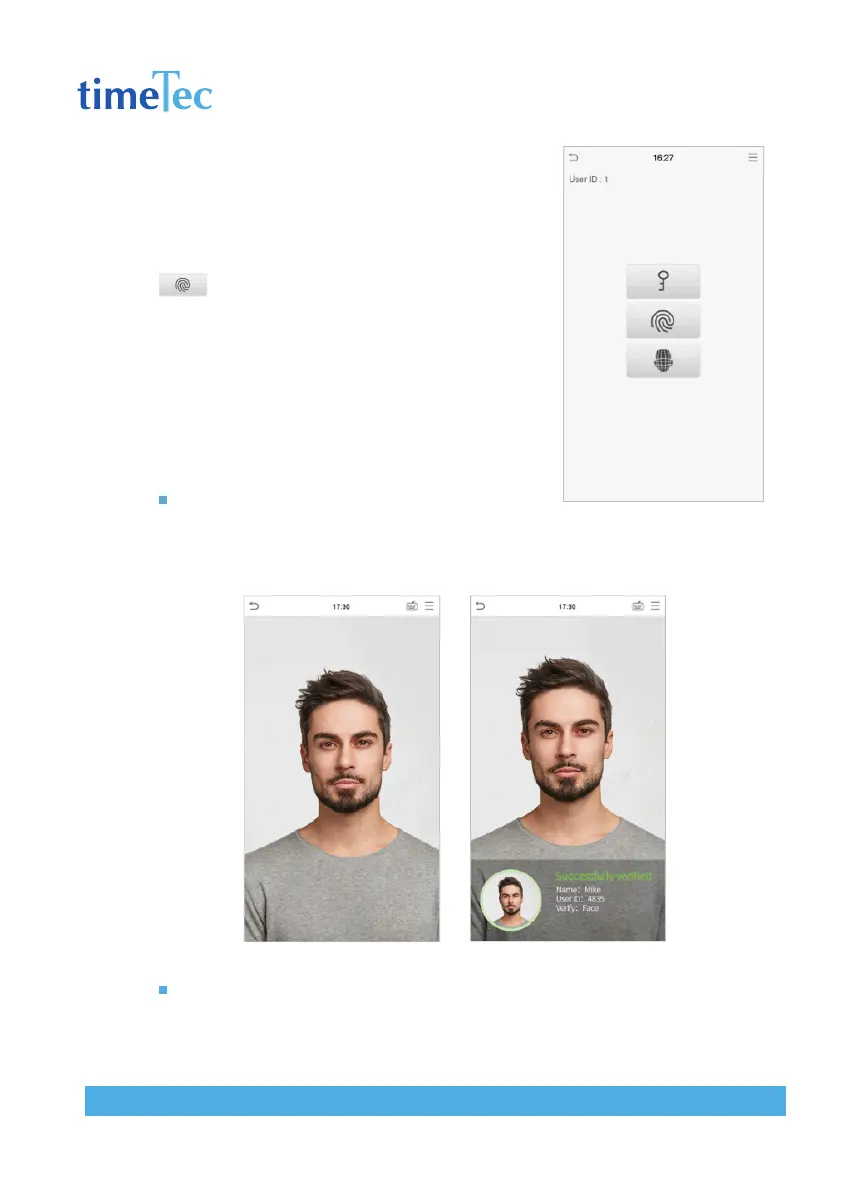
If the user has registered face and password in addition
to his/her fingerprints and the verification method is
set to fingerprint/ password/ face verification, the fol-
lowing screen will appear. Select the fingerprint icon
to enter fingerprint verification mode.
2. Press the fingerprint to verify.
3. Verification is successful.
4. Verification is failed.
Fingerprint Verification
1:N Facial Verification
Conventional verification: Compare the acquired facial images with all face data
registered in the device. The following is the pop-up prompt box of comparison result.
1:1 Facial Verification
Compare the face captured by the camera with the facial template related to the
entered user ID.



 To Next Page