34
Smart AC1/TD
w w w . t i m e t e c c l o u d . c o m
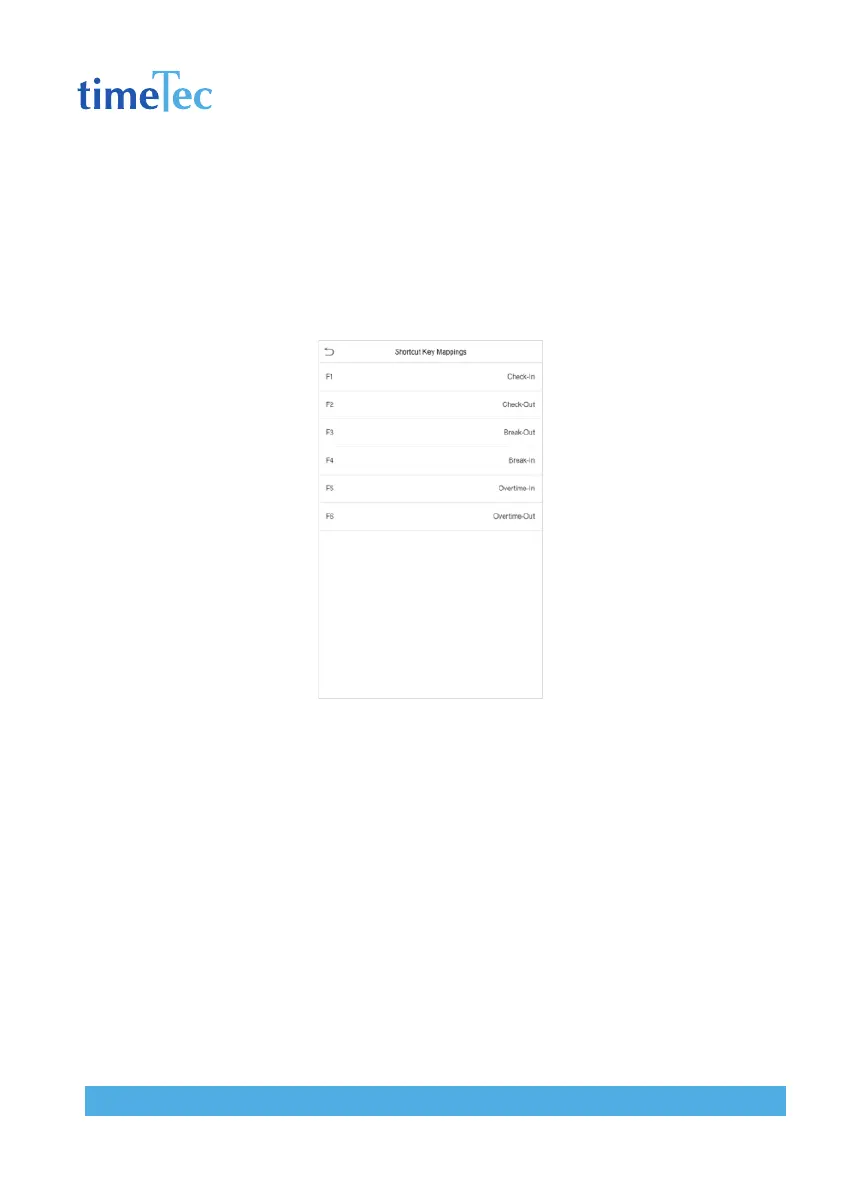
7.5 Shortcut Keys Mappings
Users may define shortcuts as attendance status or functional keys. On the main
interface, when the shortcut keys are pressed, the corresponding attendance status
or function interface will quickly display.
Click Shortcut Key Mappings on the Personalize interface.



 To Next Page