17
Smart AC1/TD
w w w . t i m e t e c c l o u d . c o m
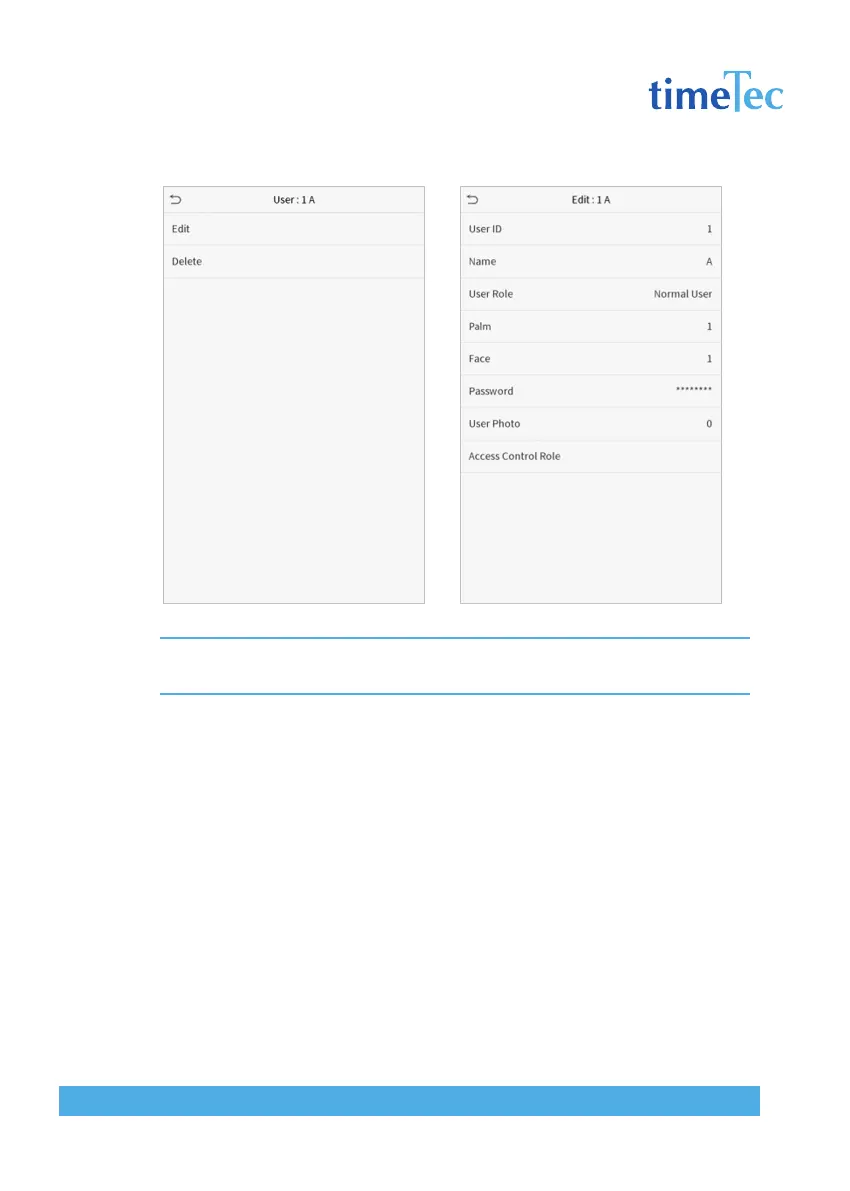
Note: The operation of editing a user is the same as that of adding a user, except that the user ID cannot be
modified when editing a user. Operation method refers to “3.1 Adding users”.
3.4 Deleting Users
Choose a user from the list and click Delete to enter the delete user interface. Select
the user information to be deleted and click OK.
Note: If you select Delete User, all information of the user will be deleted.



 To Next Page