25
Smart AC1/TD
w w w . t i m e t e c c l o u d . c o m
6 System Settings
Set related system parameters to optimize the performance of the device.
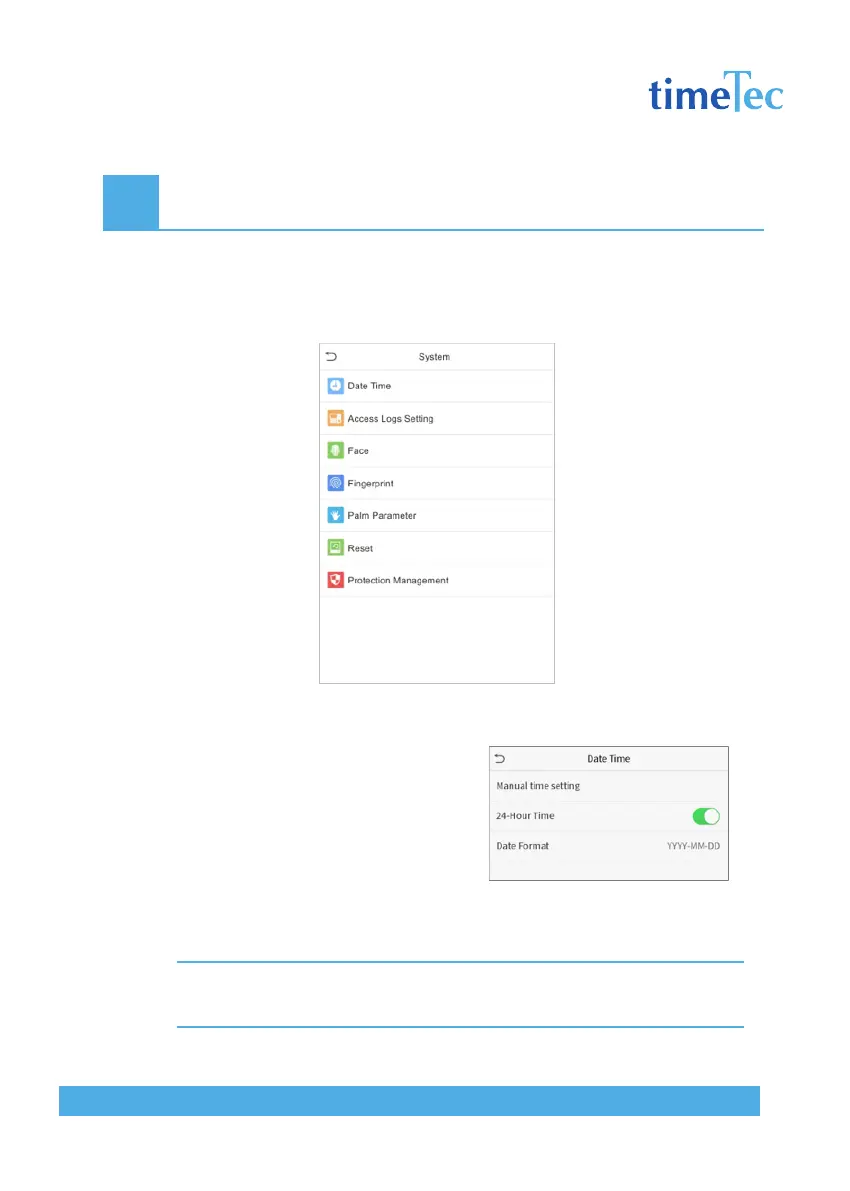
Click System on the main menu interface.
6.1 Date and Time
Click Date Time on the System interface.
1. You can manually set date and time
and click Confirm to save.
2. Click 24-Hour Time to enable or
disable this format and select the
date format.
When restoring the factory settings, the time (24-hour) and date format (YYYY-
MM-DD) can be restored, but the device date and time cannot be restored.
Note: For example, the user sets the time of the device (18:35 on March 15, 2019) to 18:30 on January 1,
2020. After restoring the factory settings, the time of the equipment will remain 18:30 on January 1, 2020.



 To Next Page