9
Smart AC1/TD
w w w . t i m e t e c c l o u d . c o m
Fingerprint Verification
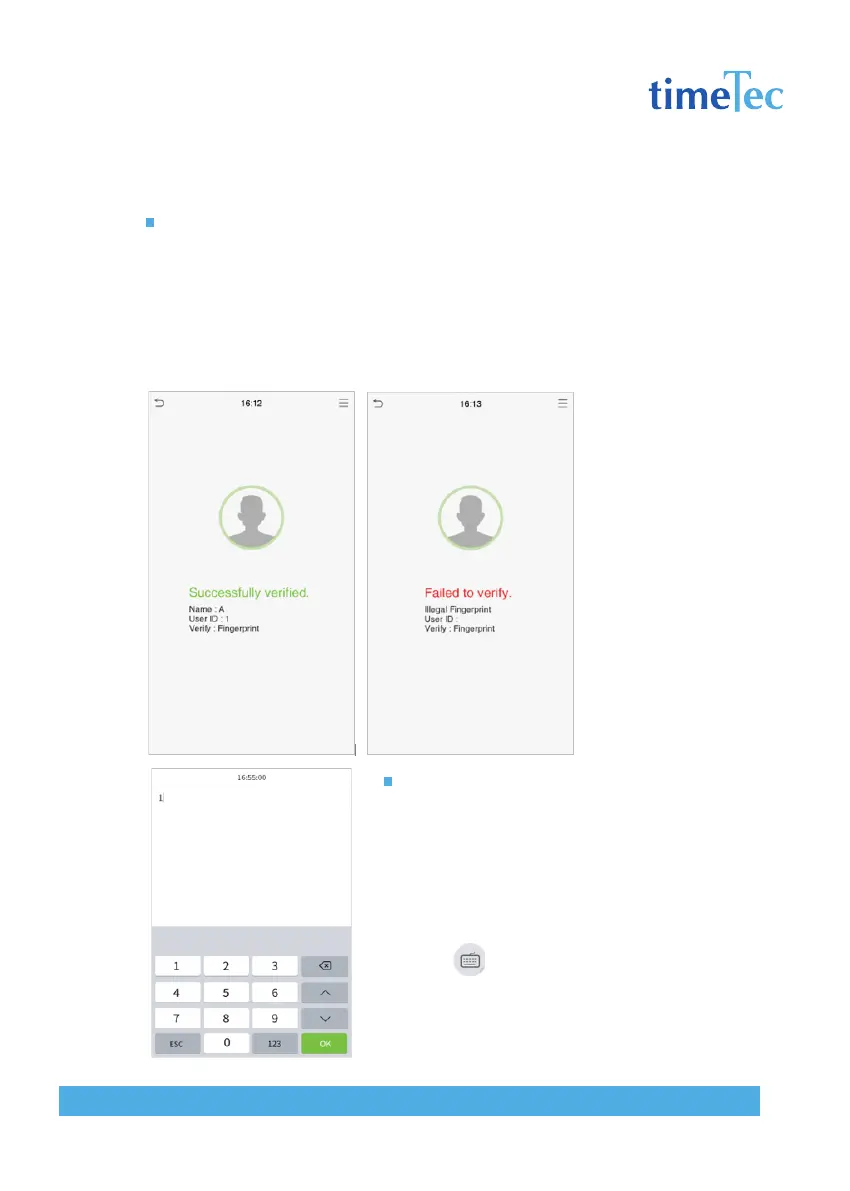
1: N fingerprint verification mode
Compares the fingerprint that is being pressed onto the fingerprint reader with all of
the fingerprint data that is stored in the device.
The device will enter the fingerprint authentication mode when a user presses his/her
finger onto the fingerprint scanner.
Please follow the correct way to place your finger onto the sensor. For details, please
refer to section 1.1 Finger Positioning.
1: 1 fingerprint verification mode
Compares the fingerprint that is being pressed onto
the fingerprint reader with the fingerprints that are
linked to User ID input via the virtual keyboard.
Users may try verifying their identities with 1:1 veri-
fication mode when they cannot gain access with 1:
N authentication method.
Click the button on the main screen to enter
1:1 fingerprint verification mode.
1. Input the user ID and press [OK].



 To Next Page