8
Smart AC1/TD
w w w . t i m e t e c c l o u d . c o m
1.7 Verification Mode
Palm Verification
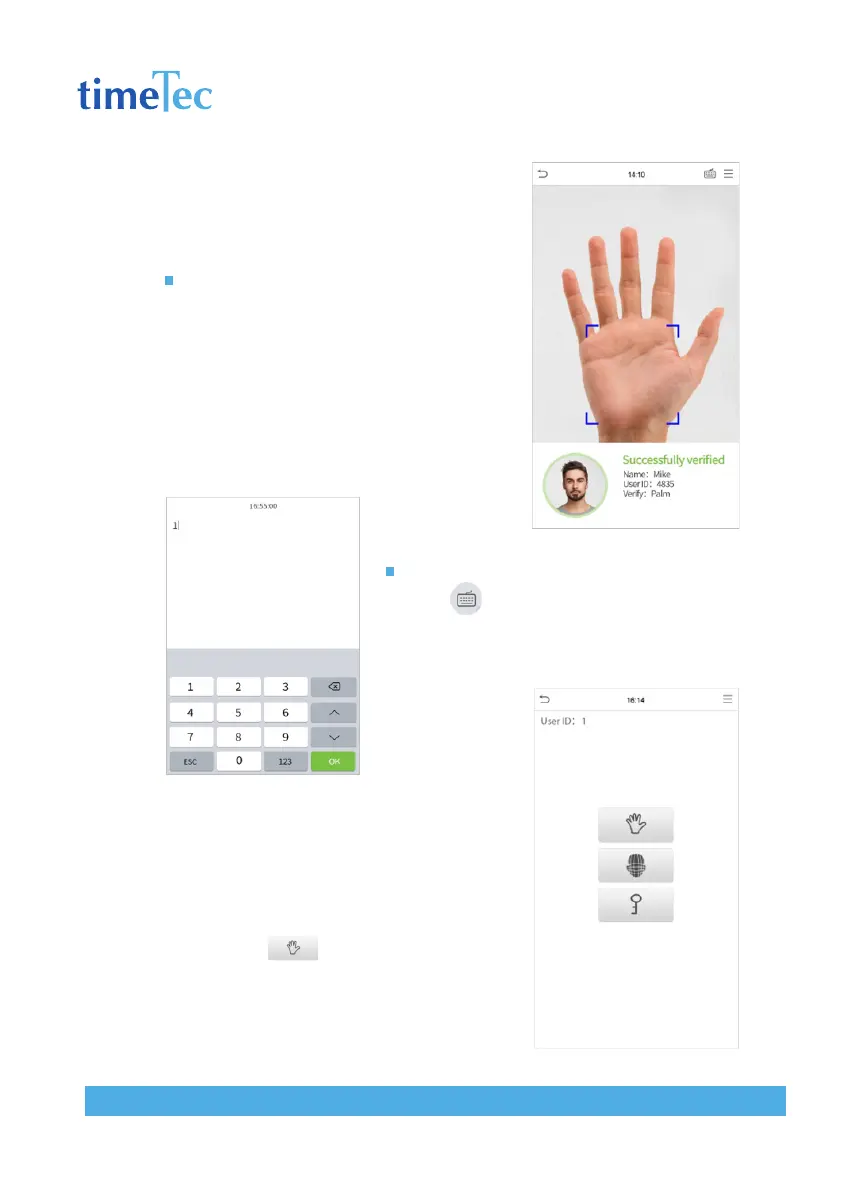
1: N Palm Verification mode
Compare the palm image collected by the palm
collector with all the palm data in the device.
The device will automatically distinguish be-
tween the palm and the face verification mode,
and place the palm in the area that can be col-
lected by the palm collector, and the device will
automatically detect the palm verification mode.
1: 1 Palm Verification mode
Click the button on the main screen to enter 1:1
palm verification mode.
Input the user ID and press [OK].
If the user has registered the face and password
in addition to his/her palm, and the verification
method is set to palm/ face/ password verifica-
tion, the following screen will appear. Select
the palm icon to enter palm verification
mode.



 To Next Page