47
Smart AC1/TD
w w w . t i m e t e c c l o u d . c o m
12 System Information
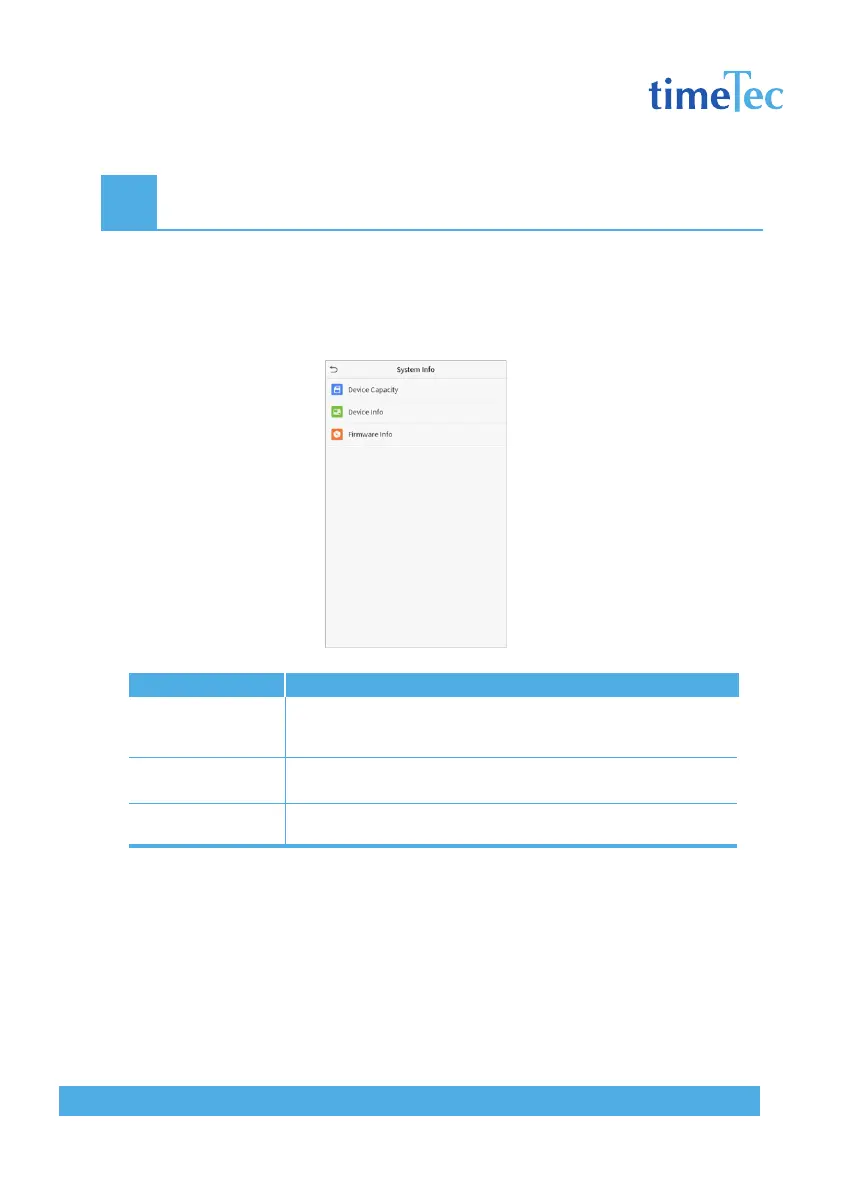
With the system information option, you can view the storage status, the version informa-
tion of the device, and so on.
Click System Info on the main menu interface.
Descriptions
Displays the current device’s user storage, palm, password and face
storage, administrators, access records, attendance and blacklist
photos, and user photos.
Displays the device’s name, serial number, MAC address, face algo-
rithm version information, platform information, and manufacturer.
Displays the firmware version and other version information of the
device.
Items
Device Capacity
Device Info
Firmware Info



 To Next Page