18
Smart AC1/TD
w w w . t i m e t e c c l o u d . c o m
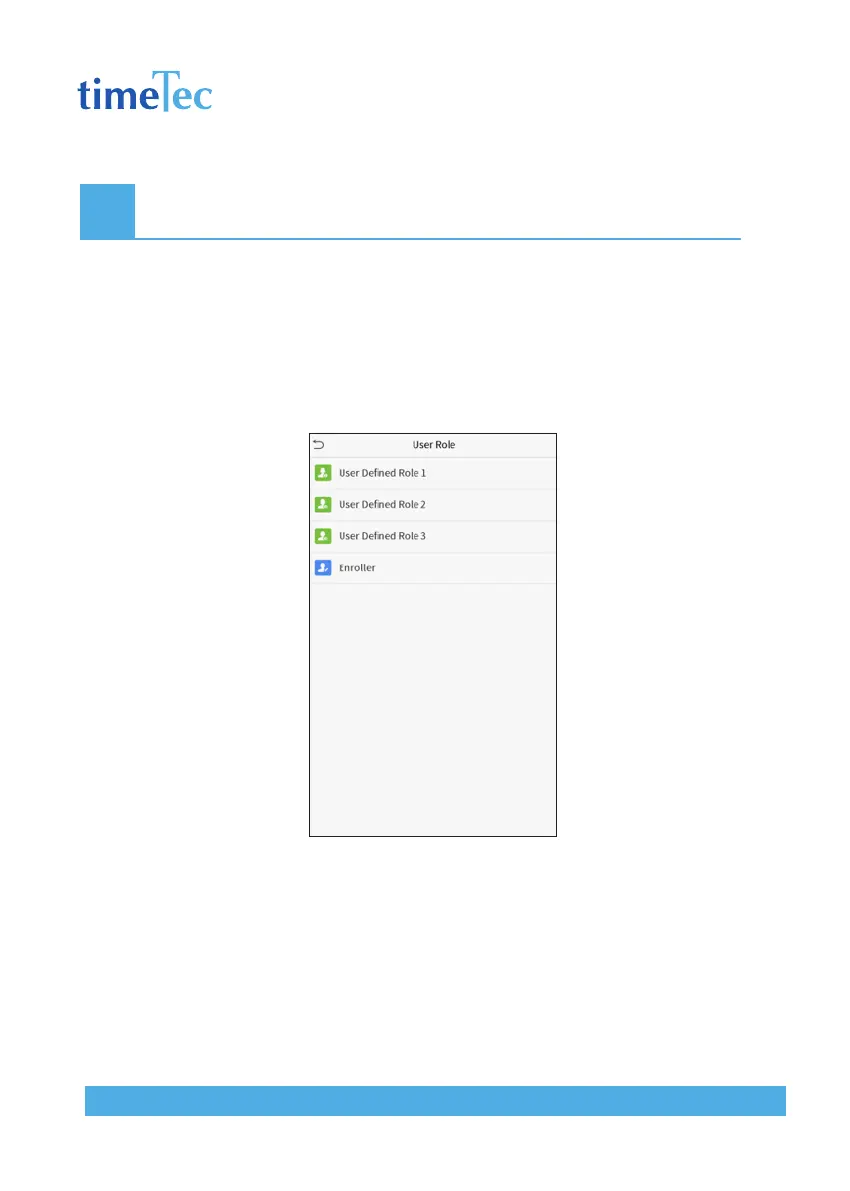
4 User Role
If you need to assign some specific permissions to certain users, you may edit the “User De-
fined Role” under the User Role menu.
You may set the permission scope of the custom role (up to 3 roles) and enroller, that is, the
permission scope of the operation menu.
Click User Role on the main menu interface.
1. Click any item to set a defined role. Click the row of Enable Defined Role to enable this
defined role. Click Name and enter the name of the role.
2. Click Define User Role to assign the privileges to the role. The privilege assignment is
completed. Click Return.



 To Next Page