37
Smart AC1/TD
w w w . t i m e t e c c l o u d . c o m
9 Access Control
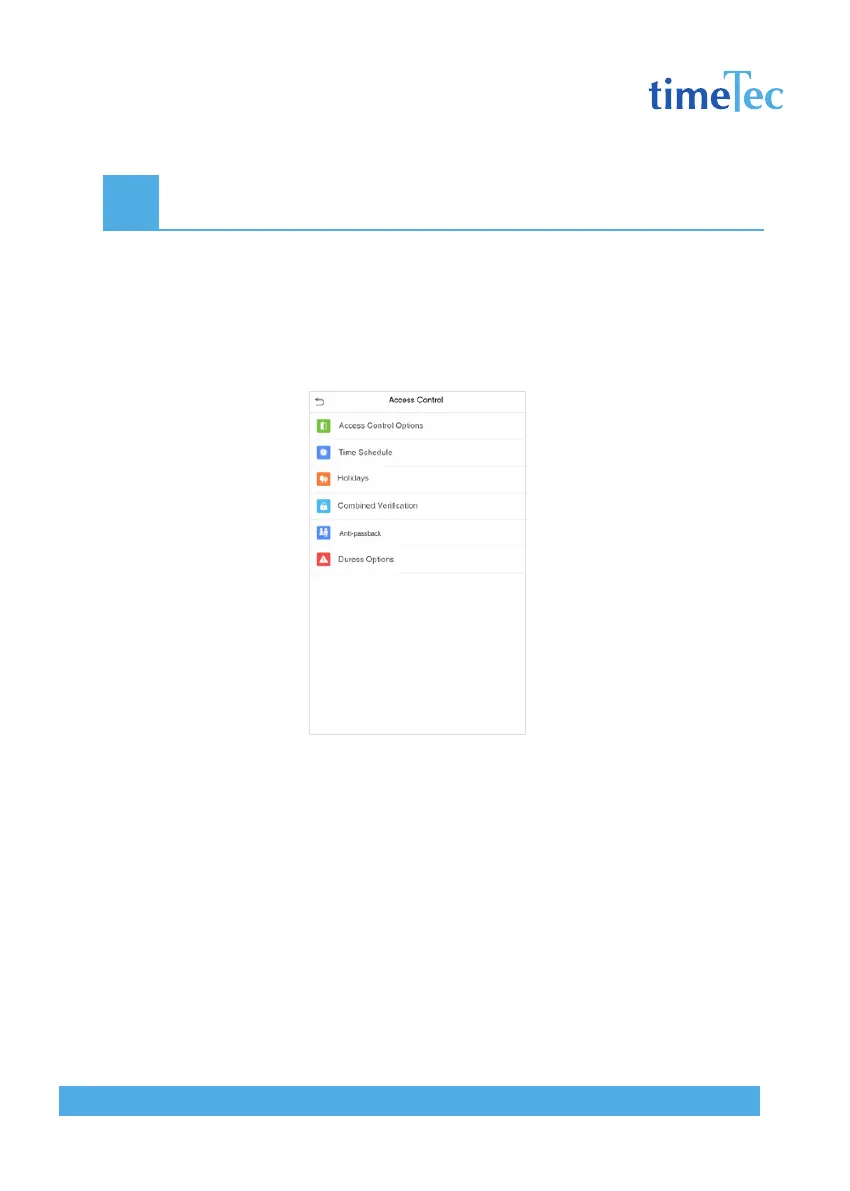
Access Control is used to set the schedule of door opening, locks control and other param-
eters settings related to access control.
Click Access Control on the main menu interface.
To gain access, the registered user must meet the following conditions:
1. The current door unlock time should be within any valid time zone of the user time pe-
riod.
2. The user’s group must be in the door unlock combination (when there are other groups
in the same access combo, verification of members of those groups are also required to
unlock the door).
In default settings, new users are allocated into the first group with the default group
time zone and access combo as “1“ and set in unlocking state.



 To Next Page