36
Smart AC1/TD
w w w . t i m e t e c c l o u d . c o m
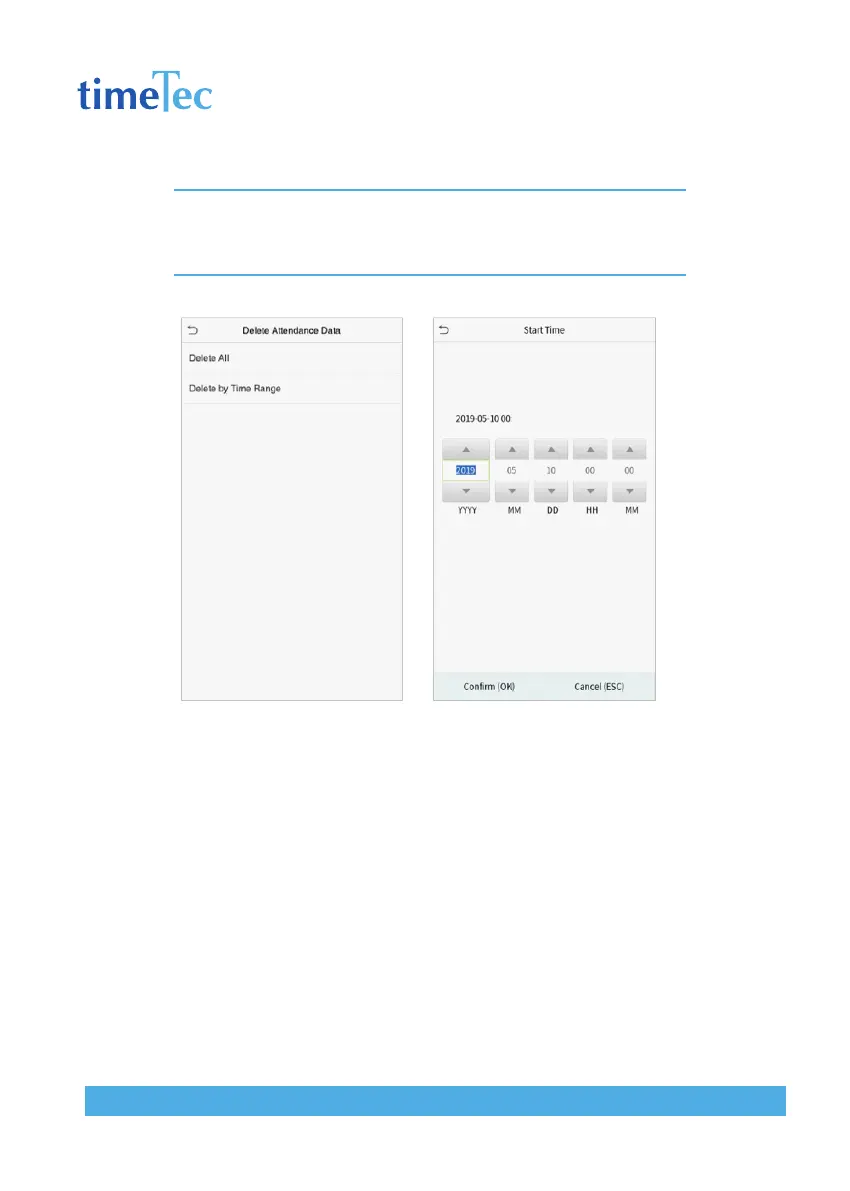
Note: When deleting the access records, attendance photos or blacklisted photos, you may se-
lect Delete All or Delete by Time Range. Selecting Delete by Time Range, you need to set a specific
time range to delete all data with the period.
Select Delete by Time Range. Set the time range and click OK.



 To Next Page