35
Smart AC1/TD
w w w . t i m e t e c c l o u d . c o m
Descriptions
To delete attendance data/access records conditionally.
To delete attendance photos of designated personnel.
To delete the photos taken during verifications which are failed.
To delete information and attendance logs/access records of all
registered users.
To remove administrator privileges.
To delete all access data.
To delete all user photos in the device.
To delete all wallpapers in the device.
To delete the screen savers in the device.
8 Delete Management
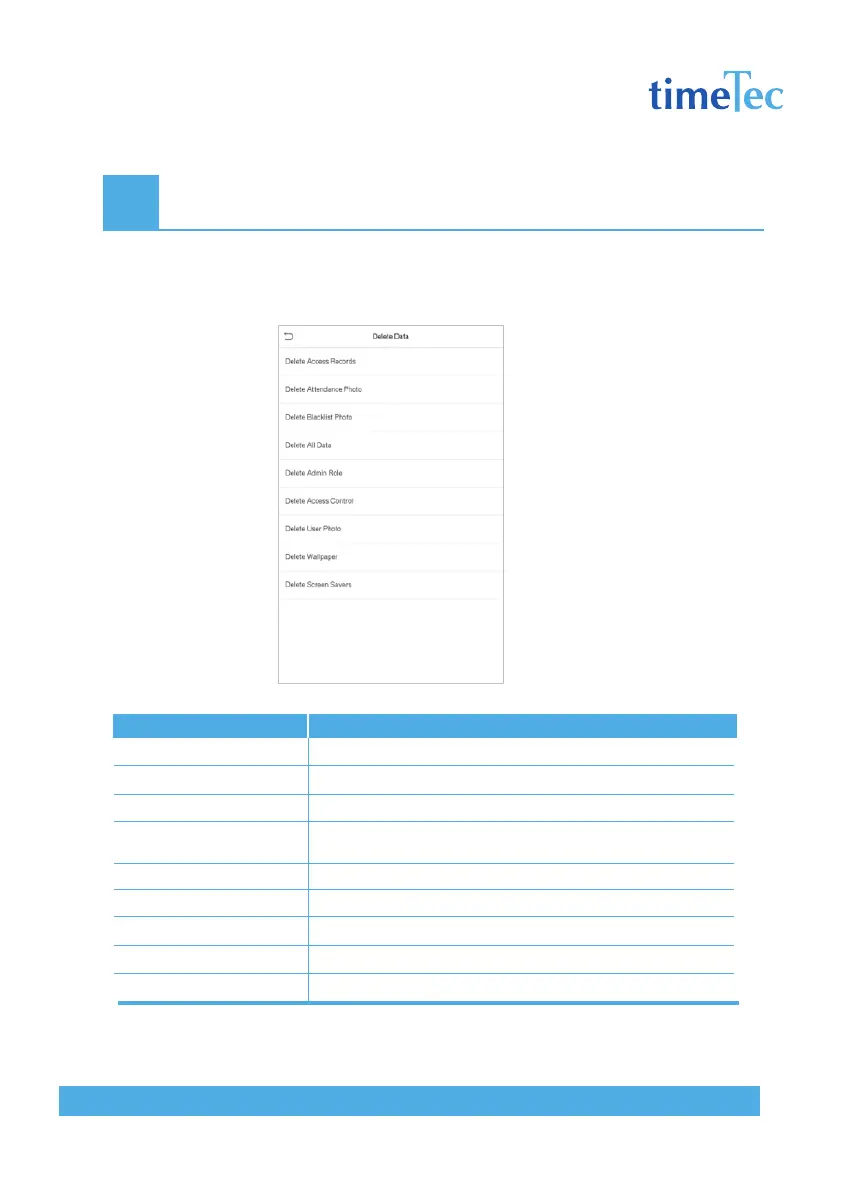
Click Delete Data on the Data Mgt. interface.
Items
Delete Access Records
Delete Attendance Photo
Delete Blacklist Photo
Delete All Data
Delete Admin Role
Delete Access Control
Delete User Photo
Delete Wallpaper
Delete Screen Savers



 To Next Page