30
Smart AC1/TD
w w w . t i m e t e c c l o u d . c o m
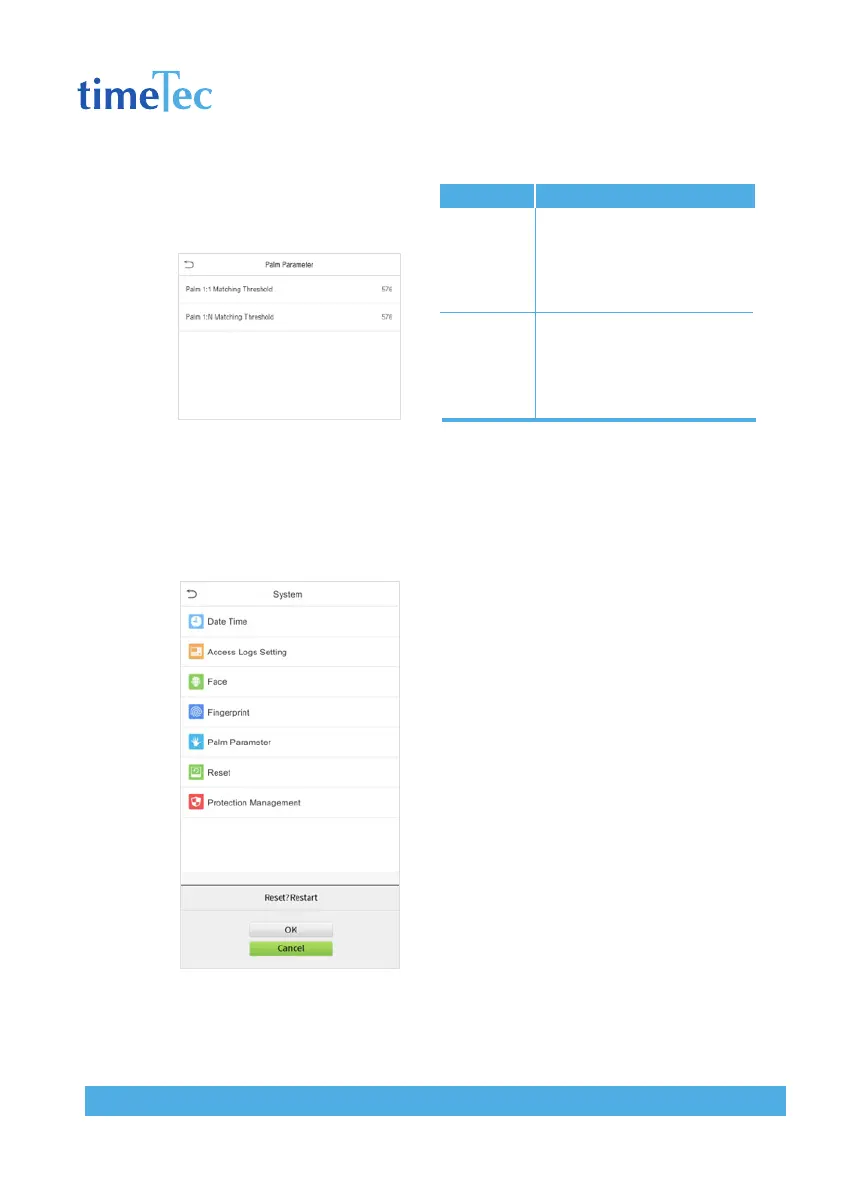
6.5 Palm Parameters
Click Palm on the System interface.
6.6 Factory Reset
Restore the device, such as communication settings and system settings, to factory
settings (Do not clear registered user data).
Click Reset on the System interface.
Click OK to reset.
Items
Palm 1:1
Matching
Threshold
Palm 1:N
Matching
Threshold
Descriptions
Under 1:1 Verification Method,
only when the similarity between
the verifying palm and the user’s
registered palm is greater than
this value can the verification
succeed.
Under 1:N Verification Method,
only when the similarity between
the verifying palm and all
registered palm is greater than
this value can the verification
succeed.



 To Next Page