53
Smart AC1/TD
w w w . t i m e t e c c l o u d . c o m
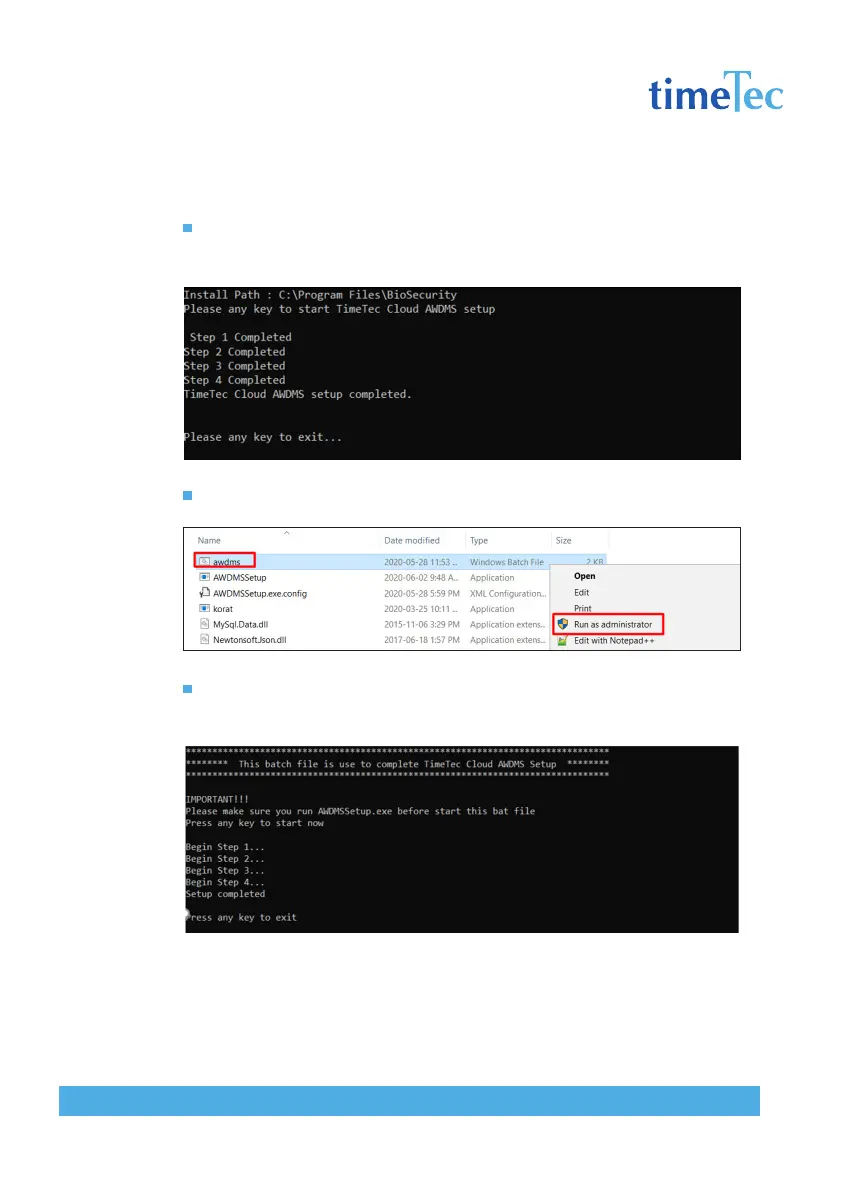
Press any key to begin the AWDMS setup. Your computer screen might flash
for a few times. Click “Yes” at the popup dialog box to continue. Once com-
pleted, press any key to exit this window.
Right click on the awdms.bat, click “Run as administrator”.
Press any key to start running the batch file. Once completed, press any key
to exit this window.



 To Next Page