40
Direct control
Contact-activated input 1
Contact-activated input 2
Program playback P001 playback P002 playback
P002 start
P001 start
Contact-activated input 1
Contact-activated input 2
Program playback P002 playback
P002 start
P001 start
ON
Program playback
P001 playback P002 playback P003 playback
Stop control input
• Priority setting: When P001 is lower than P002
(Activation method)
Close the Contact-activated input terminal corresponding to the program number to be played.
(Operation description)
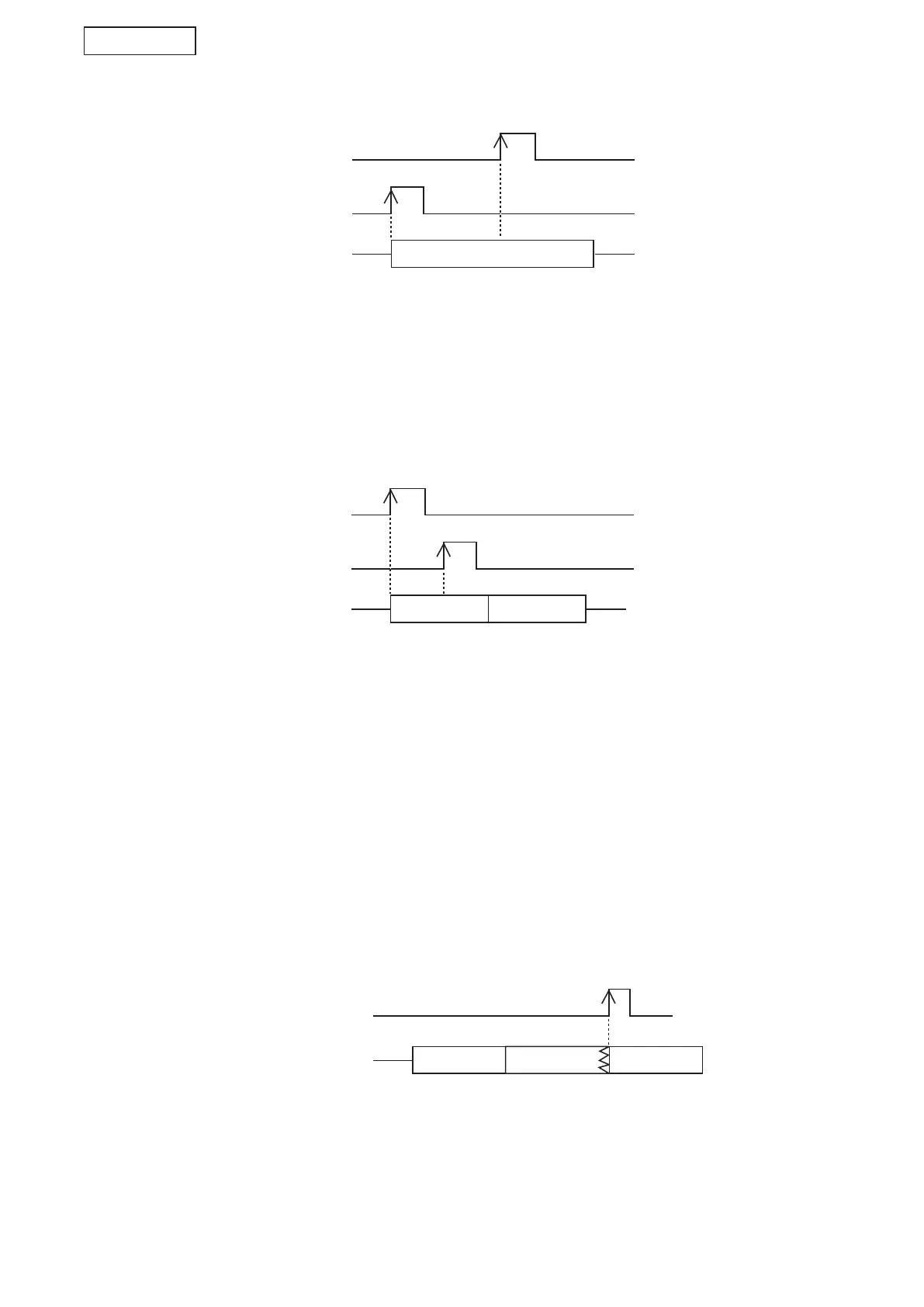
Even if P001 playback is activated during Program P002 playback, the last-in P001 start is ignored and the
rst activated P002 playback continues.
[(3) Operation of Sequential storage playback by a Pulse signal input activation]
(Activation method)
Sequentially close the Contact-activated input terminal corresponding to the program number to be played.
(Operation description)
Up to 16 contact-activated inputs can be stored. The program corresponding to each input is played in the
order of entry.
In the example above, P001 playback and P002 playback start in order.
If the Contact-activated input terminal corresponding to the same program is closed multiple times, these
activation inputs are stored by the same number of closures.
Note
In this operation of Sequential storage playback, sequential playback is made regardless of the priority level
assigned to the program.
• To stop program during playback and automatically play the next program
Close the Stop control input terminal.
P002 playback is interrupted, then the subsequent Program P003 playback will start.
Note
When set to the Spontaneous stop of phrase playback, the next program will be played after the phrase
playback in progress reaches its end.



 To Next Page