Document Ref 942583-001 Rev 8 Page 5-45
Quantium 510 Installation Manual Installation
5.6.5 MEDIA HEAD CONNECTIONS
Follow the instructions in section 4.7 to gain access to the cable glands. To
connect the the Crypto VGA and/or Vidium:-
INSTRUCTIONS
1) When the recommended Cat 5 ethernet installation cable
is used, feed the cable (commonly coloured blue/green)
up through the cable glands and into the calculator head.
IMPORTANT : Keep cable taut to avoid any
“antenna” effect.
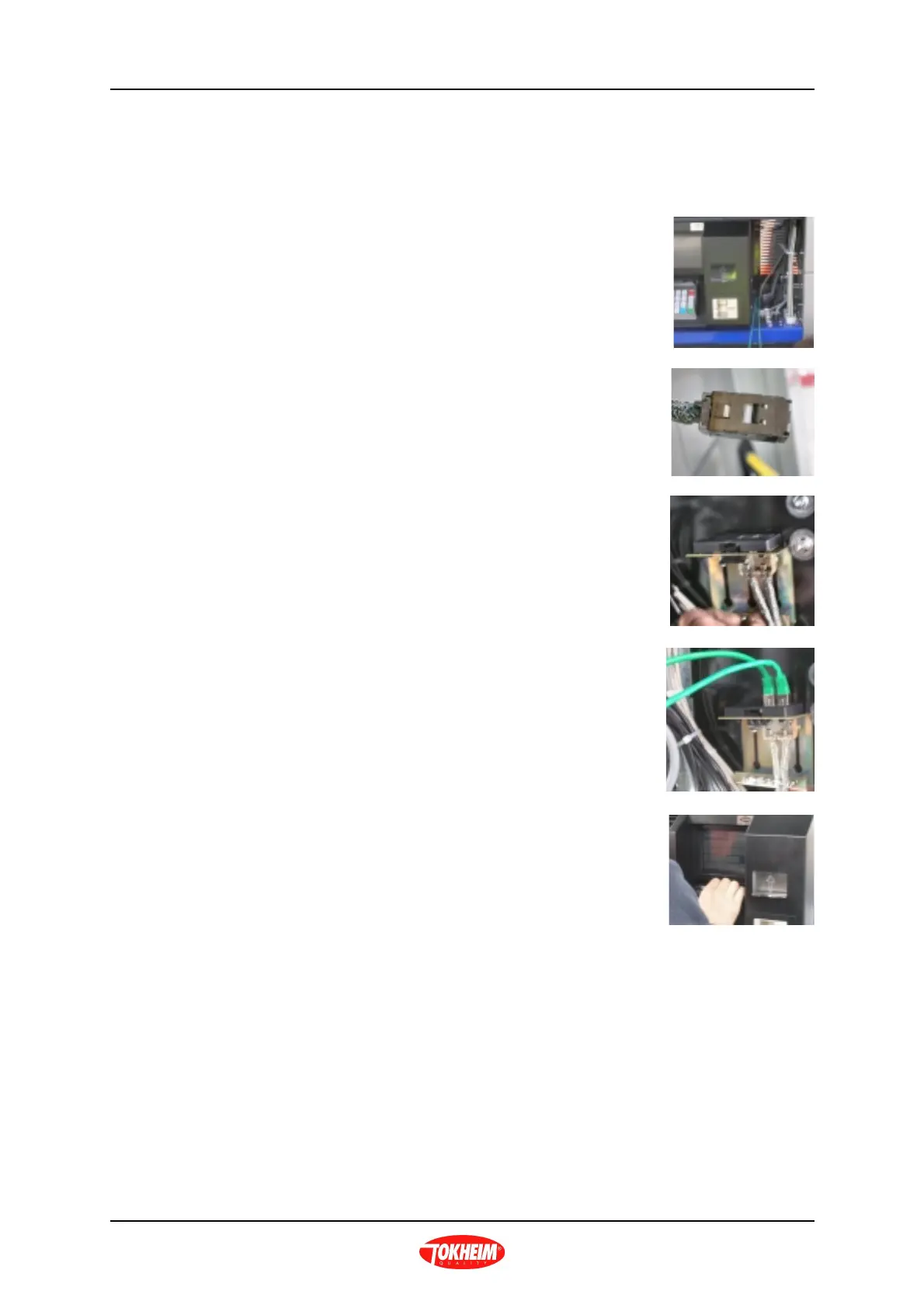
2) Locate the bracket for the Crypto VGA/Vidium
connections.
3) Fit a suitable RJ45 connector to the end of the installation
cable.
IMPORTANT : Ensure that the braided shield is
stripped down well (at least 10cm).
4) Connect the Crypto VGA and/or Vidium RJ45 socket(s)
to the bracket.
5) Connect the RJ45 plug for the Crypto VGA processor
to the RJ45 socket on the installation cable.
6) Program the Crypto as required - refer to separate
Crypto VGA User Manual.
7) Where applicable, refer to separate Vidium Manual to
test the operation of the Vidium.
Note : Alternatively 4 core telephone cable can be
used across the forecourt in conjunction with a
modem interface to the Crypto VGA and a modem
at the Fuel POS.



 To Next Page