Document Ref 942583-001 Rev 8 Page 4-5
Quantium 510 Installation Manual Packaging & Handling
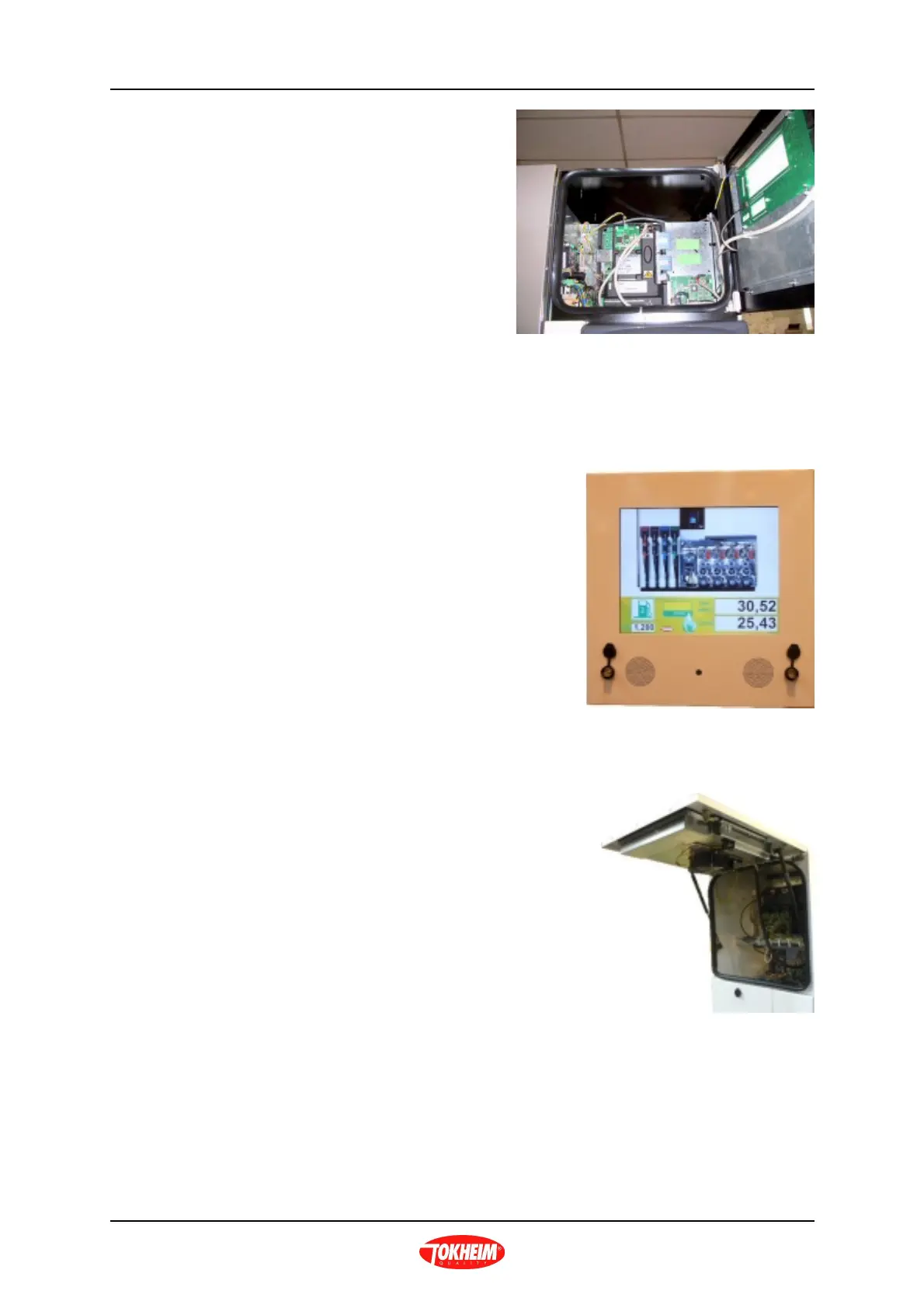
• To close the calculator head door,
ensure all cables remain inside
then close and lock the calculator
head door. Remove key for safe
keeping and close the dust caps.
4.7.2 TQC - VGA MEDIA HEAD
•Locate the keys for the calculator head door.
•Simultaneously open both keylocks on the
relevant calculator head door.
•Carefully open the calculator head door (top
hinge).
•The door is held open by 2 gas struts on either side of the calculator head door.
•Repeat for the opposite side of the dispenser
as required.
•To close the calculator head door, pull the front
edge of the door downwards ensuring that all
cables remain inside the head. Close and lock
the calculator head door. Remove keys for safe
keeping and close the dust caps.



 To Next Page