1. Before Use
24
Canceling the warm up
To cancel the warm up, press the CAL switch during warm up.
The following screen is displayed, and when the CAL switch is pressed again, zero-adjustment
begins.
Request
・ When turning the power ON again after a short time has elapsed after the power
is turned OFF, do not cancel the warm up. Doing so could result in not being
able to obtain accurate measurement results.
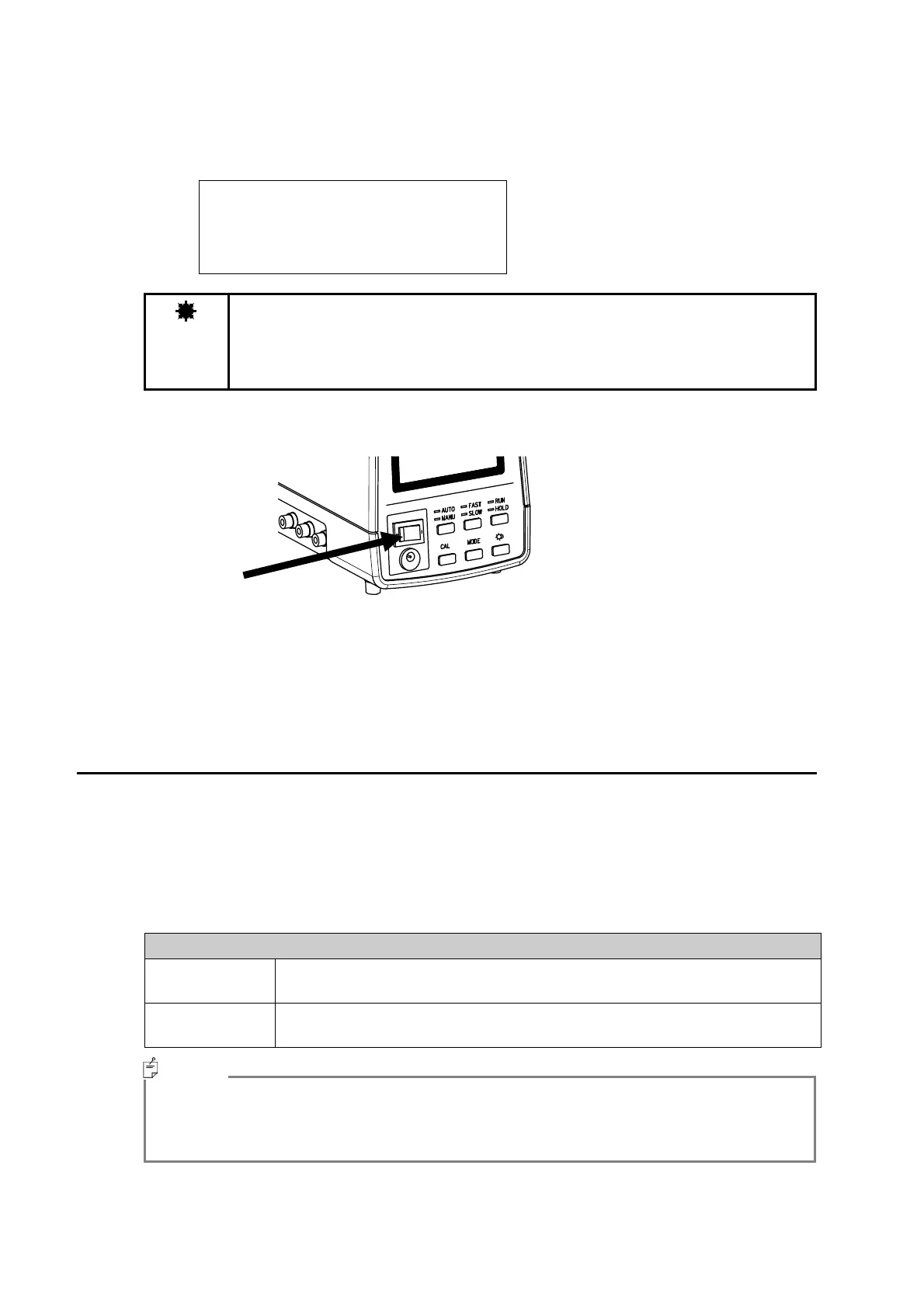
To turn the power OFF, flip the power switch to the left side.
1.3.5 Switching the Response Speed of the Photo-Receiver
Circuit
When performing measurement, switch the response speed of the photo-receiver circuit as
needed.
The response speed has FAST speed and SLOW speed. The response speed is switched by using
the FAST/SLOW switch. Each time the switch is pressed, the speed changes between FAST
and SLOW.
The measurement method for each response speed is as shown below.
Measurement Method
FAST Make sure the [FAST] LED is blinking, then press the RUN/HOLD switch and
start measurement.
SLOW Make sure the [SLOW] LED is blinking, then press the RUN/HOLD switch
and start measurement.
・ When observing a blinking light source using analog output, set the speed to the FAST
mode. (Analogue output is a function only used for analog output model)
・ To obtain stable measurement result, set the speed to SLOW.
DARK MEASURE
Push CAL Key.
Memo



 To Next Page