4. Communication With a PC
66
4.2.12 FK Command
Normal correction/direct correction can be selected by this command.
FK[n]:n is 1 or 2. 1: Normal correction 2: Direct correction
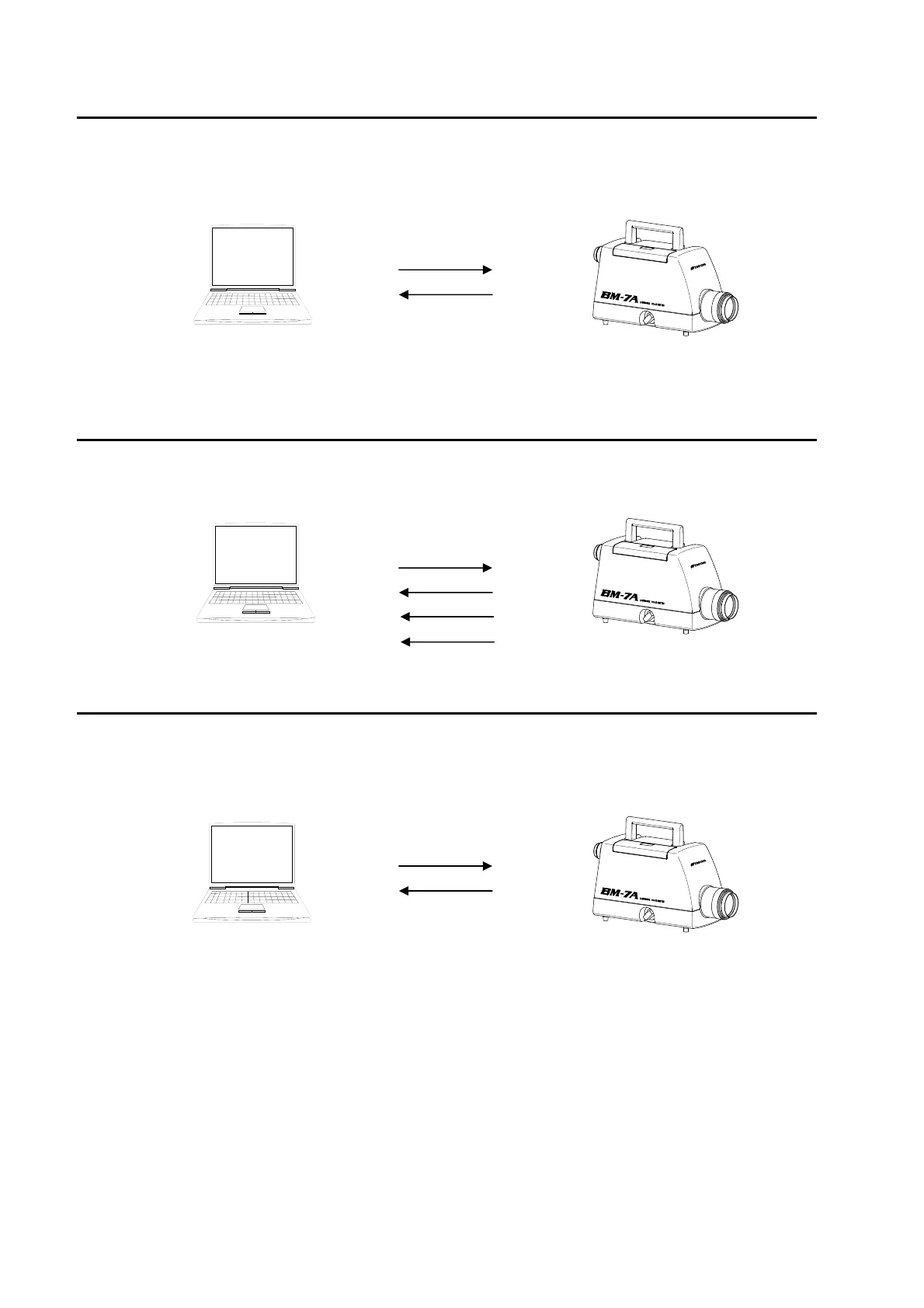
PC Command BM-7A
FK1 + (Cr・Lf)
OK + (Cr・Lf)
When Error code E012 is displayed
☞
「4.5 Error Codes」
4.2.13 FKR Command
The current type of correction can be read out by this command.
1: Normal correction 2: Direct correction
PC Command BM-7A
FKR + (Cr・Lf)
OK + (Cr・Lf)
Correction type
END + (Cr・Lf)
4.2.14 FAG Command
The area correction of the instrument can be activated by this command.
FAG [n] : Number of the area correction factor group that is activated, 1 to 10
PC Command BM-7A
FAG2 + (Cr・Lf)
OK + (Cr・Lf)



 To Next Page