5. Excel Sample Program
77
7
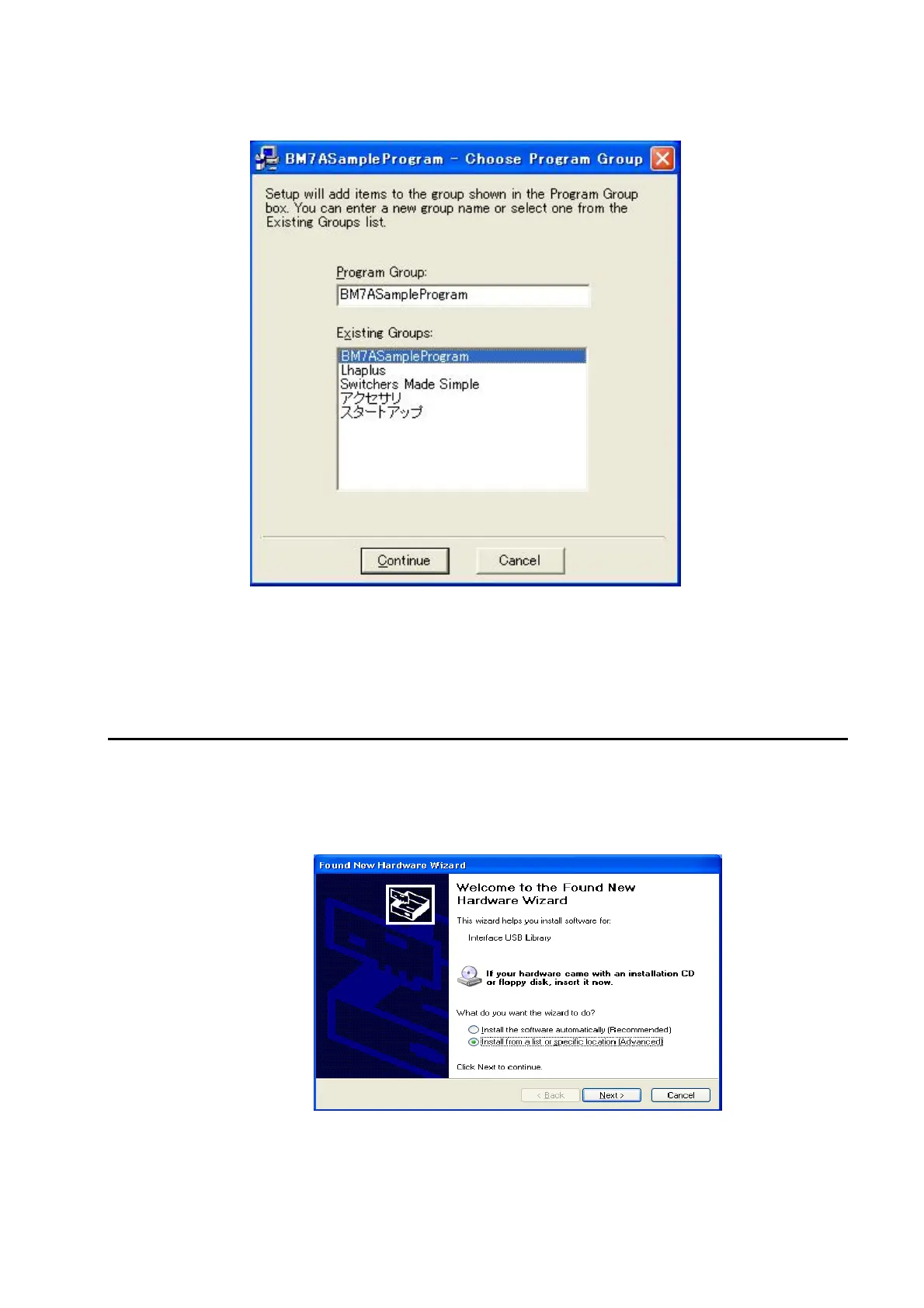
Select a program group, and click on the [Continue] button.
8
The a setup complete message is displayed, so click on the [OK] button to finish
installation.
5.1.2 USB Driver
The procedure for installing the USB driver is as described below.
1
Connect the BM-7A with the PC using a USB cable, and turn ON the power to the BM-7A.
Connecting the BM-7A and a PC
☞
「1.3.2 Connecting a PC」
The following screen is displayed.



 To Next Page