5. Excel Sample Program
78
2
When selecting the installation method, select the option button [Install from a list or
specified location], and click on the [Next] button.
The following screen is displayed.
3
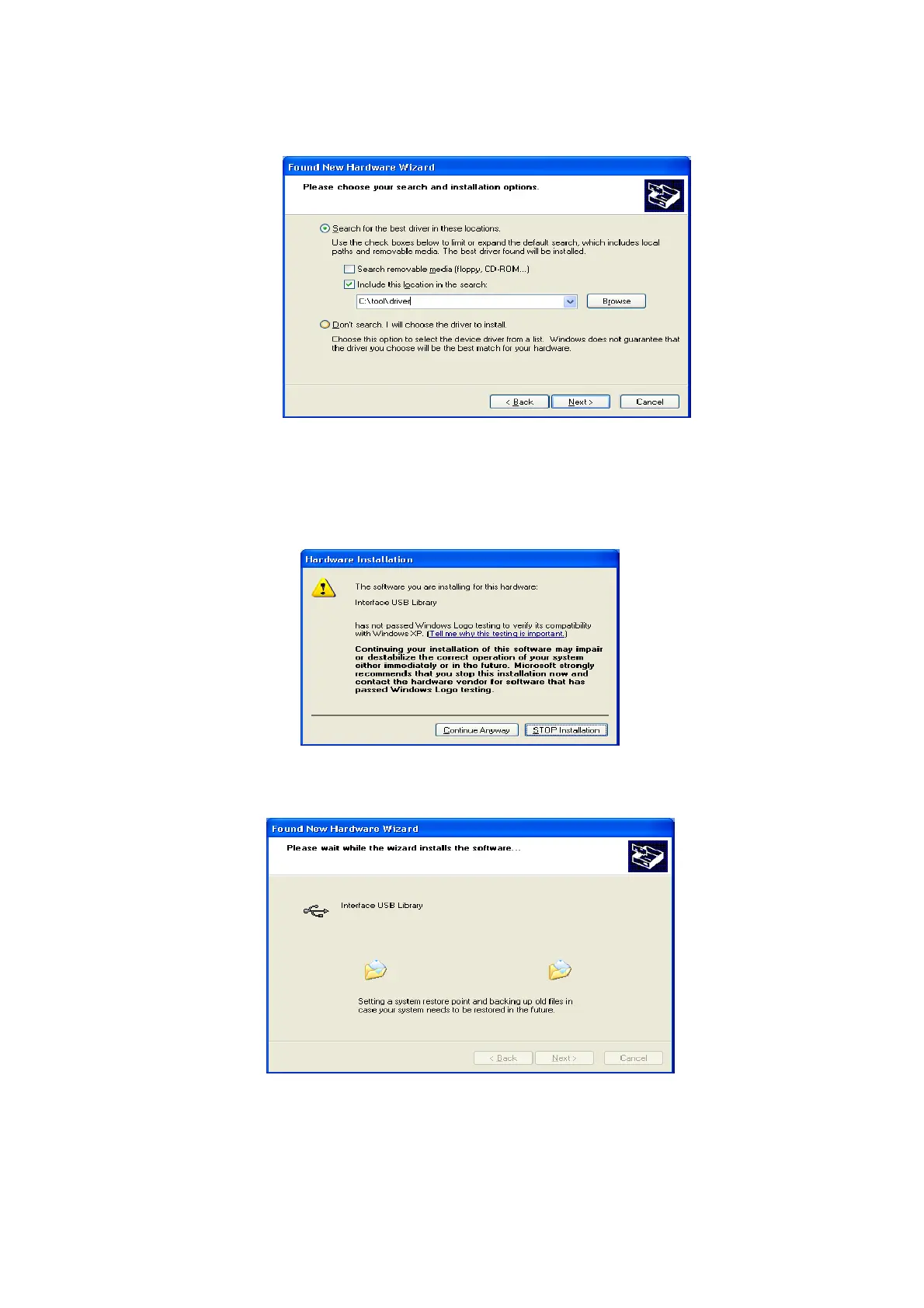
Select the option button [Search for the most suitable driver from the next location], and
check ON the check box [Include the next location].
4
Click on the [Search] button, and select the USB_DRIVER folder for the CD-ROM drive.
The following screen is displayed.
5
Click on the [Continue] button.
The following screen is displayed.



 To Next Page