5. Excel Sample Program
75
5. Excel Sample Program
An Excel sample program (macro) is supplied with the BM-7A. It is possible to use this sample
program to control the BM-7A from a PC.
5.1 Installation
Sample program and USB driver must be installed.
5.1.1 Sample Program
The installation procedure for the sample program is as described below.
1
Set the supplied CD-ROM in the CD drive.
・ D indicates the CD-ROM device used for installation example in this manual. When
install from another drive, read the explanation by replacing the drive with the actual
drive used.
2
Select [Specify file name and run] from the Windows [Start] menu.
The file selection screen is displayed.
3
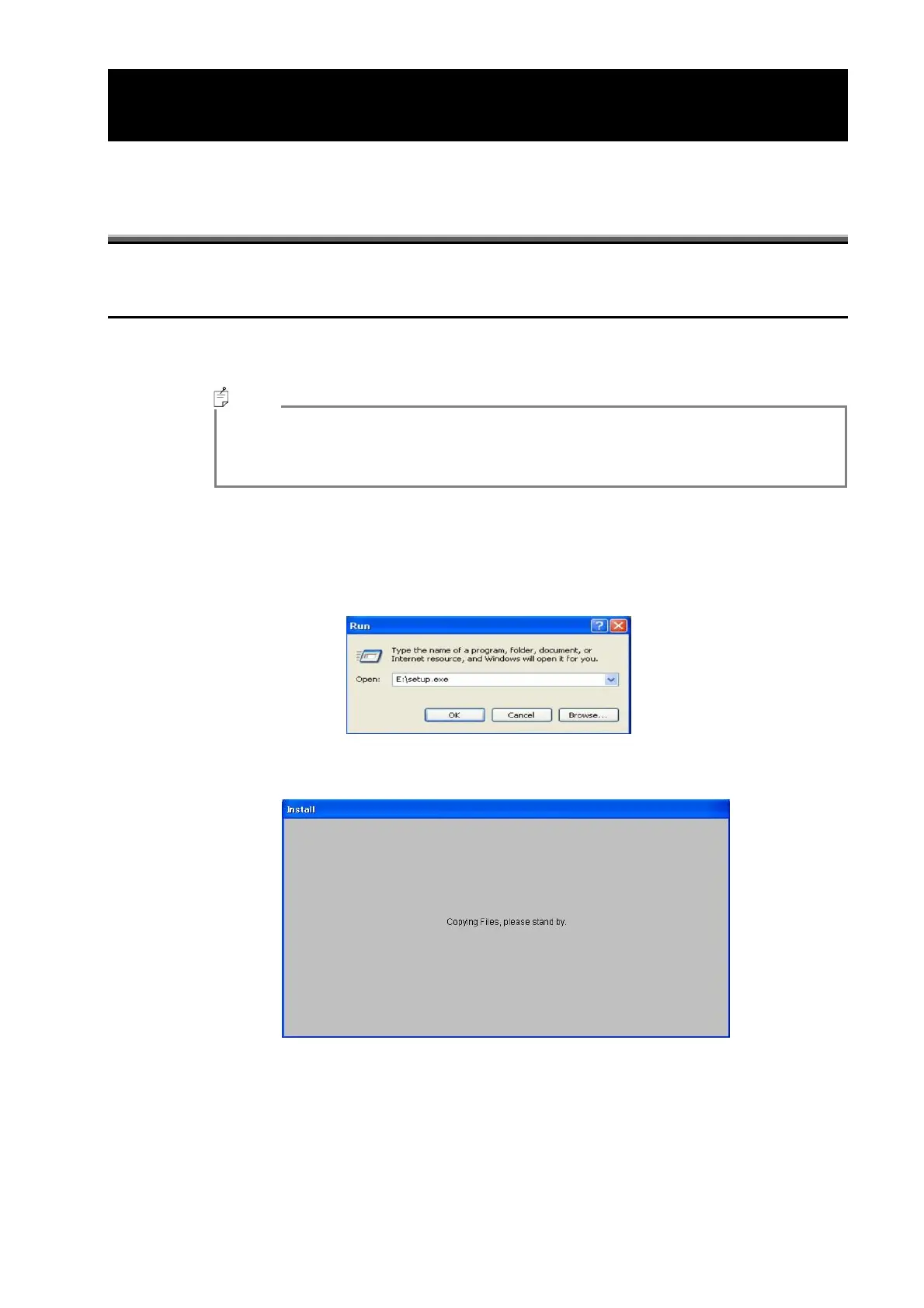
Select setup.exe from the CD-ROM Sample Program folder, and click on the [Open] button.
The following screen is displayed.
4
Click on the [OK] button.
The Setup screen is displayed and copying starts.
Memo



 To Next Page