1. Before Use
20
1.3.2 Connecting a PC
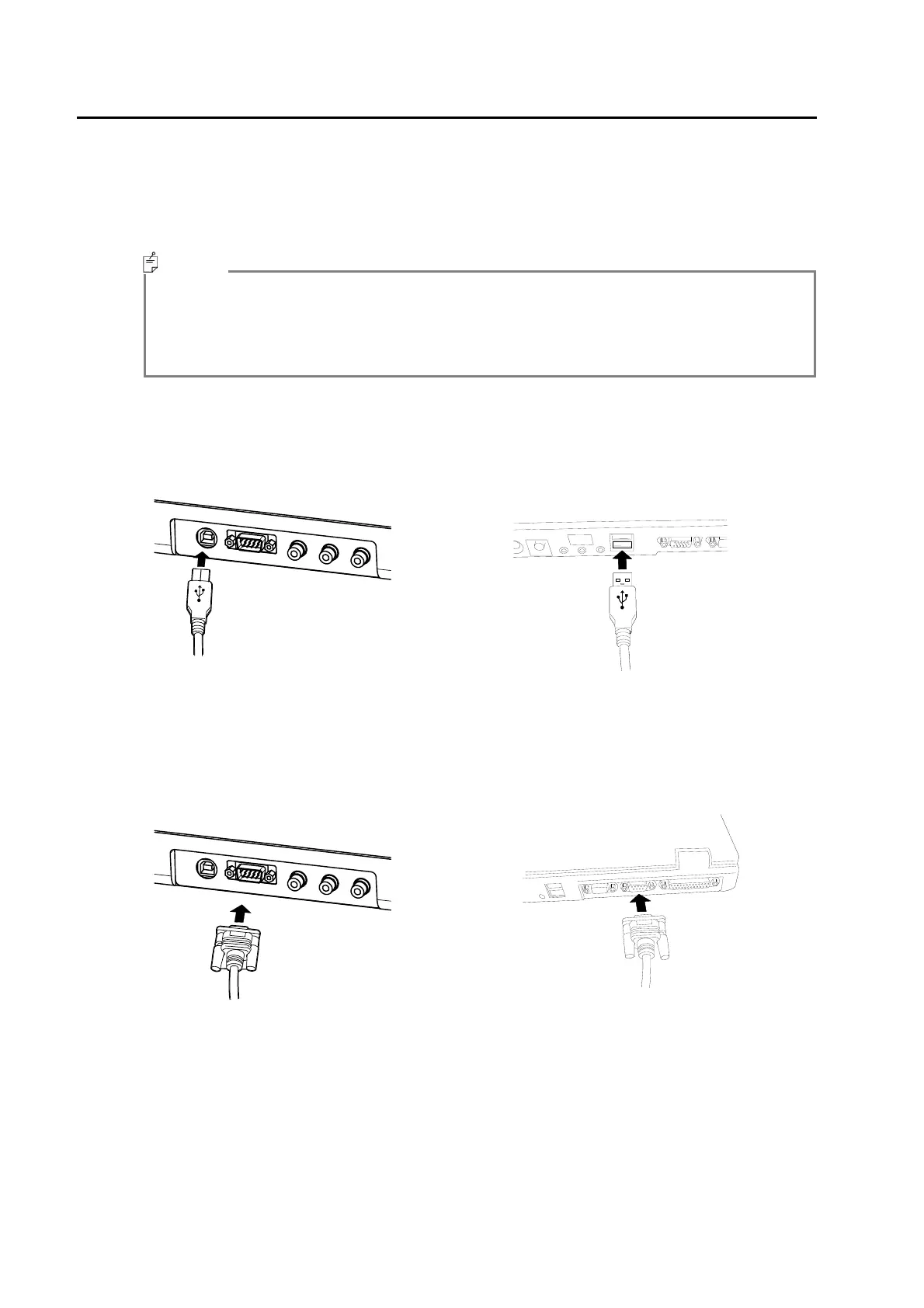
When connecting a PC, use a RS-232C cable or USB cable to connect the BM-7A and PC.
When using a RS-232C cable, use a straight cable supporting for a DOS/V PC. It is possible to
connect up to a maximum of 16 instruments to one PC by USB, also parallel use with an RS-
232C cable is possible. However, the USB and RS-232C cannot be used at the same time for
one BM-7A.
・ The connection cables are not supplied with the unit. If cables are to be used, they should
be purchased separately.
・ For details regarding the connection on the PC side, refer to the manual for the PC being
used.
USB connection
- BM-7A side - - PC side -
RS-232C connection
- BM-7A side - - PC side -
Memo



 To Next Page