5. Excel Sample Program
79
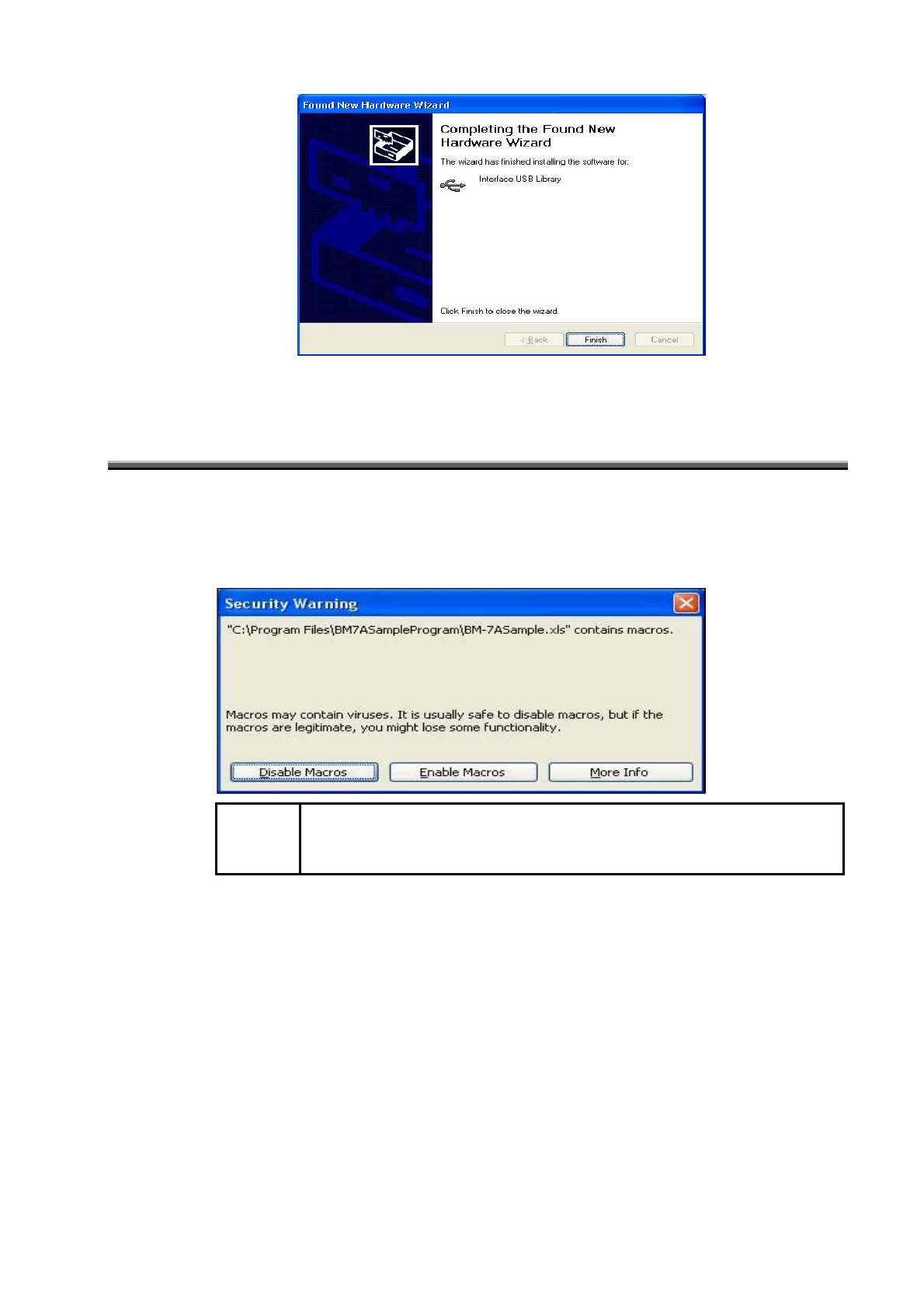
After driver installation is finished, the following screen is displayed.
6
Click on the [End] button.
5.2 Remote Control From a PC
The procedure for using the sample program to remotely control the BM-7A is as described below.
1
Select [Start] - [Program] - [BM-7ASampleProgram] -
[BM-7ASampleProgram].
The following message is displayed.
Request
・ When the security level is set to [High], this screen cannot be displayed.
Set the security level to [Medium].
2
Click on [Enable macro].
The measurement screen is displayed.



 To Next Page