5. Excel Sample Program
76
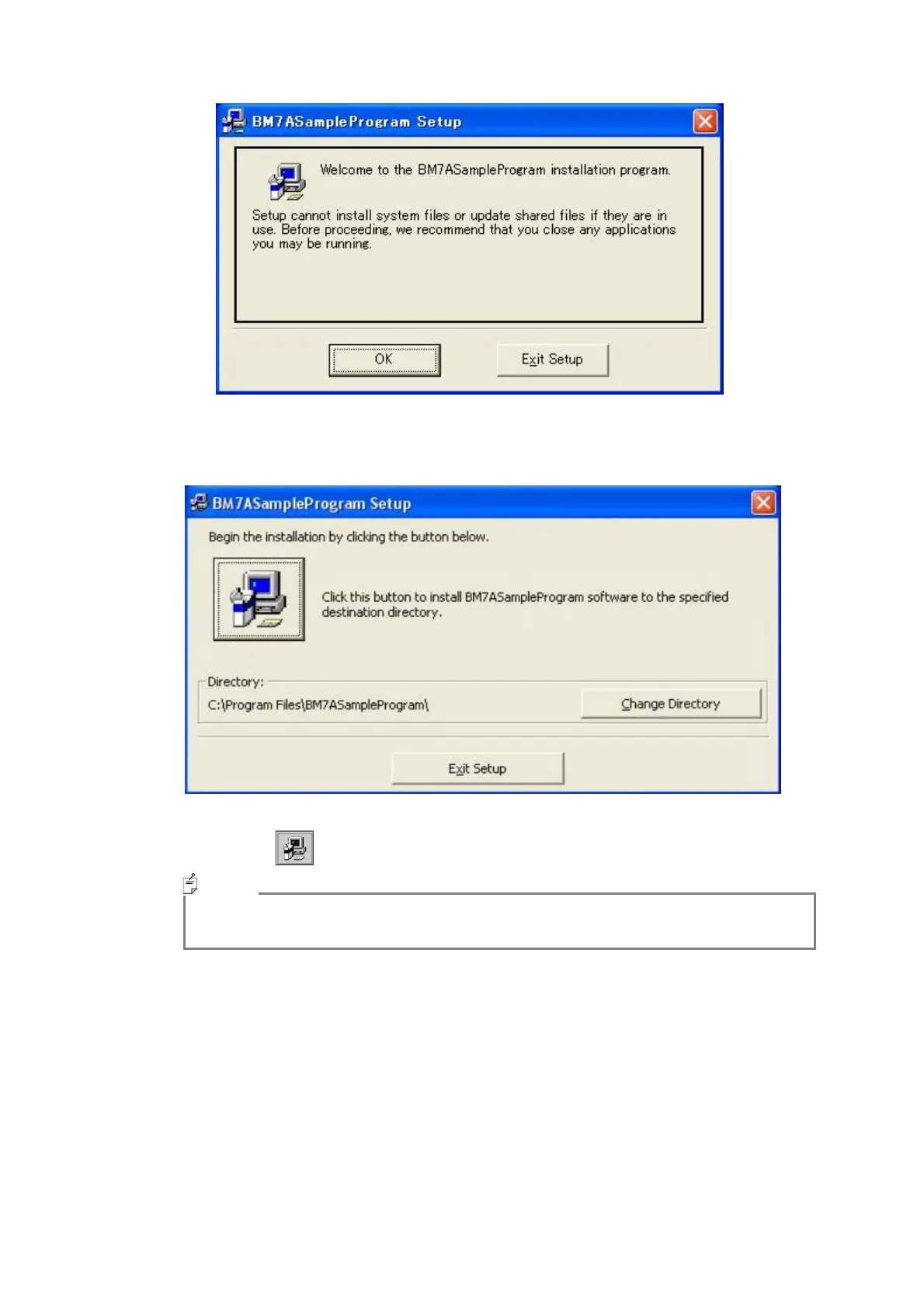
If another program is running, the following screen is displayed.
5
Close another program and click on the [OK] button.
The following screen is displayed.
6
Click on the button, and start setup.
・ To change the installation destination, click on the [Change Directory] button, and
select an installation destination.
The program group selection screen is displayed.
Memo



 To Next Page