Getting Acquainted
Cables
10
P/N:1001608‐01
Cables
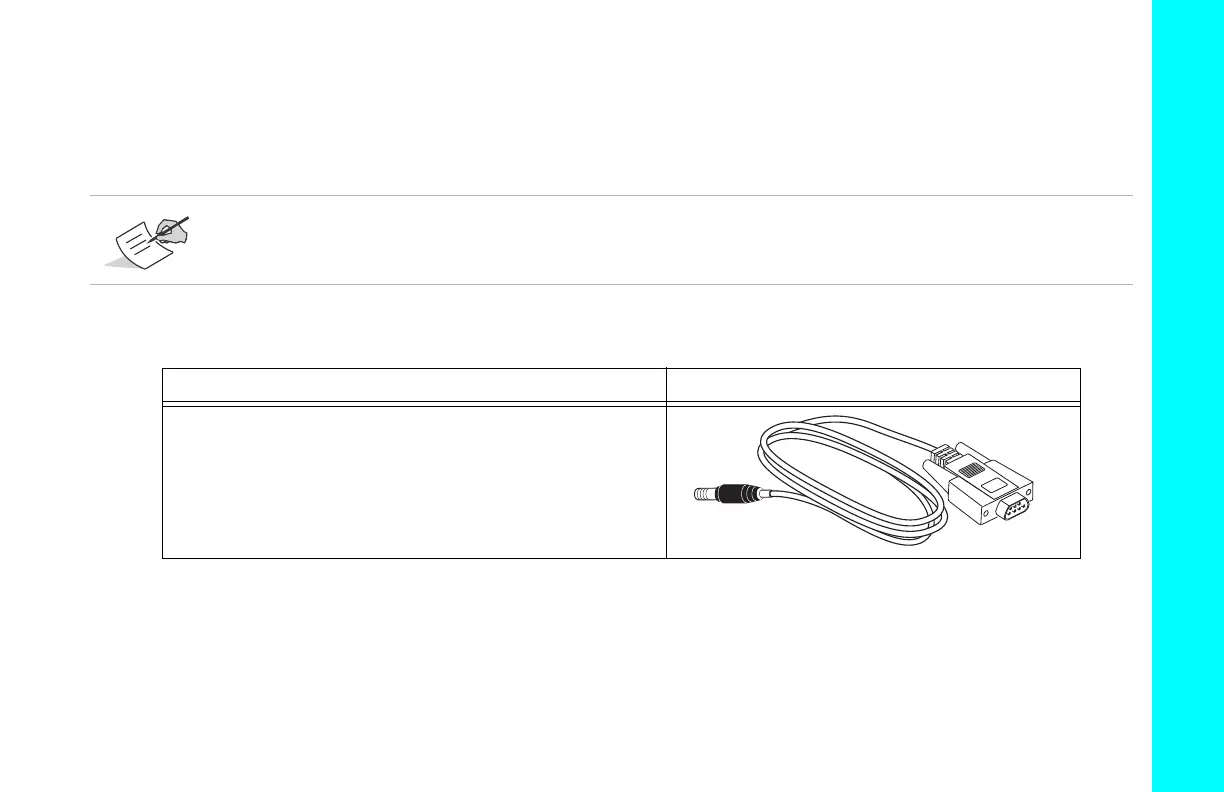
TheHiPerVpackageincludesaserialcableforconfiguringthereceiver.Table 1describesthecableincludedwithyourreceiver
andoptionalcablesthatareavailableasaccessories.
Alignthekeywayswhen connecting thepower/serialcabletothereceiverport.Turnthecablelockclockwise
untilitclickstosecurethecableinplace.Todisconnectthecable,turnthelockcounter ‐clockwise,andthen
gentlyremovethecable.
Table1.ReceiverCables
Cable Description Cable Illustration
SerialCable(Supplied)
Connectsthereceivertoanexternaldevice(controlleror
computer)fordatatransferandreceiverconfiguration.
p/n14‐008005‐03



 To Next Page