Managing Power
Batteries
26
P/N:1001608‐01
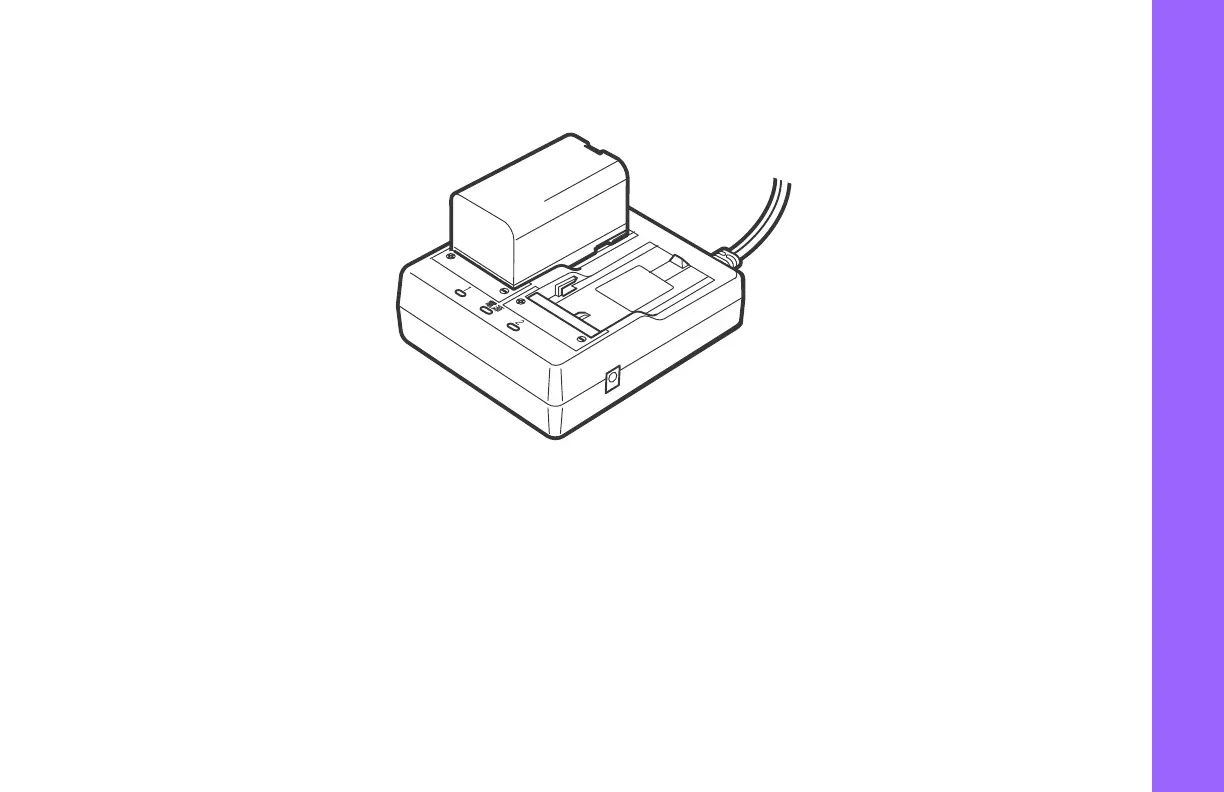
Figure9:HiPerVBatteryandCharger
Inserting and Removing the Battery
•
First,beforeremovingthebattery,alwaysturnoffpowertothereceiver.Ifthebatteryisremovedwhi l ethepoweris
switchedon, uncontrolledsystemshutdownwilloccurandfiledatamaybelostasaresult.
•
Wheninsertingorremovingthebattery,makesurethatmoisture,dust,orotherforeignparticlesdonotcomeincontact
withtheinsideoftheinstrument.
•
Removebatteriesfromthesurveyinginstrumentorchargerbeforeplacingintostorage.



 To Next Page