Configuring the Receiver
POWERUPScriptR equirements
47
P/N:1001608‐01
POWERUP Script Requirements
Afterturningonthereceiver,thePOWERUPscriptexecuteswhenthereceiverobtainsvalidpositioncoordinatesandthe
followingrequirementsaresatisfied.
•
ThePOWERUPscripthasbeeninstalledtoreceiver.
•
ThePOWERUPscriptfunctionsettingisON.
•
Thereceiverisnotstartingbyusingthetimer.
•
Thereisnoenabledjob/session.
Installing the POWERUP Script
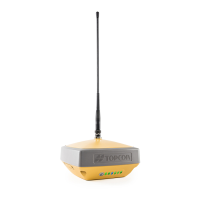
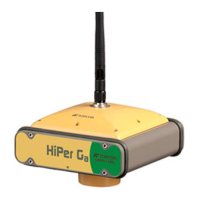
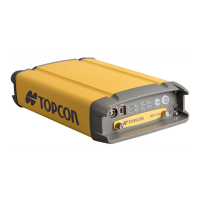
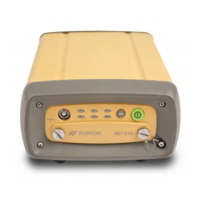
ToinstallthePOWERUPscriptontotheHiPerVreceiver:
1. CopythePOWERUPscriptfile“powerup.gcs”tothe“POWERUP”folderontheSDcard.
2. InserttheSDcardintoHiPerVreceiver.
3. PerformaFactoryResetontheHiPerV.
4. Oncetheinstallationissuccessful,the“powerup.gcs”fileisremovedfromtheSDcard.
IfthefileattributionisReadonly,thefi lewillnotbenotremoved.
IfthereistheexistingPOWERUPscriptontheHiPerV,itwillbeoverwrittenbythenewscriptfile.



 To Next Page