Configuring the Receiver
PerformingaFactoryReset(ClearingtheNV RAM )
46
P/N:1001608‐01
YoucanalsouseTRUtoresetthereceiver(cleartheNVRAM):
1. Connectthereceivertoacomputer,andopenTRU.Seethe Topcon ReceiverUtility(TRU)ReferenceManualfor
moreinformationaboutconnectingthereceivertoacomputer.
2. InTRU,connecttothereceiver.
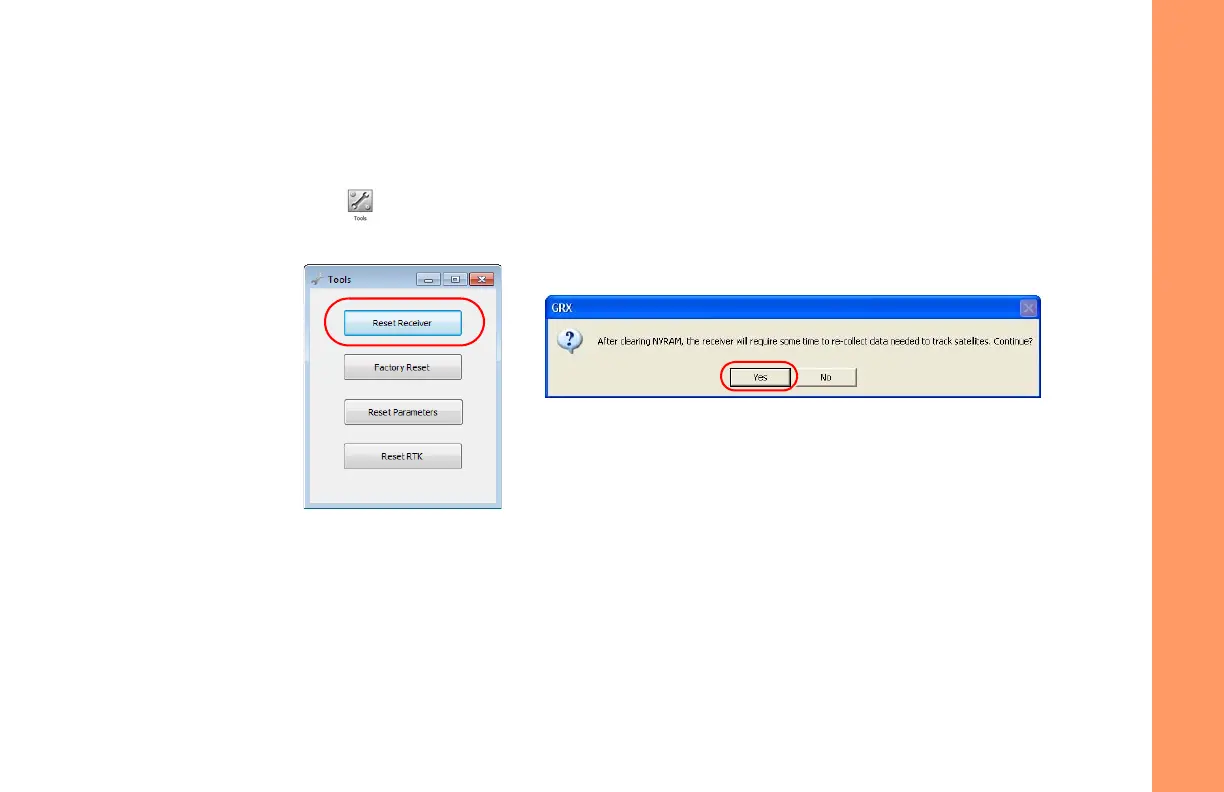
3. ClicktheToolsiconinthemainwindow.
TheToolswindowappears,enablingyoutoresetthereceiver
andcleartheNVRAM.
Figure23:ToolsDialogBox
4. ClickResetReceiver ,andclickYestocontinue.



 To Next Page