Field System Setup
SettingUptheRoverReceiver
52
P/N:1001608‐01
Setting Up the Rover Receiver
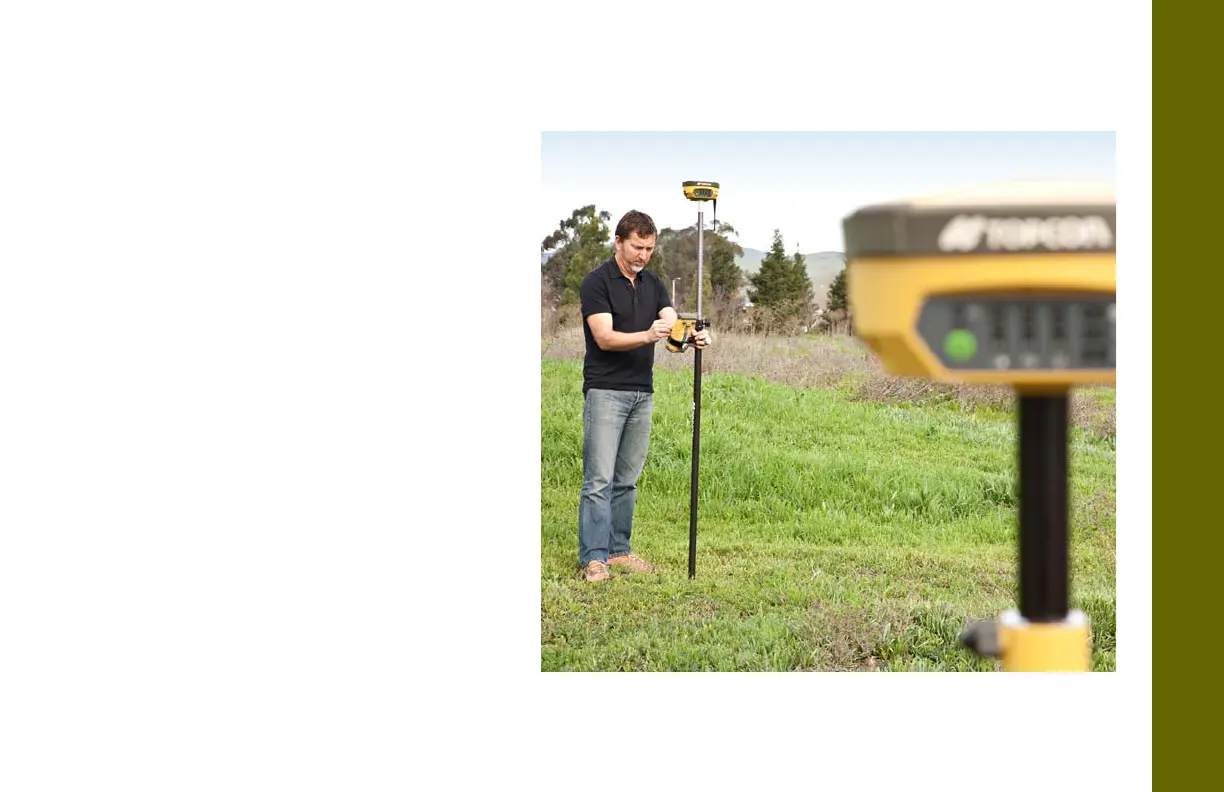
1. Mountthereceiverontheroverpole,as
showninthepictureontheright.
2. AttachaTop concontrollertothepole
usingamountingbracket.
3. Ifyouarenotusingafix edheightrover
pole,measuretheheightofthereceiver
fromtheground.See“MeasuringAntenna
Height”onpage 53.
4. Connect
theexternalradioantennatothe
antennaportforRTKsetup.
5. Pressthepowerbuttontoturnonthe
receiver.Theintegratedwirelessdevicein
thereceiverturnsonwhenthereceiveris
powered.
6. ConnectthereceivertotheBluetooth‐
enableddatacollector,runningTop con
Fieldsoftware,toconfiguretheHiPerV
as
aroverreceiver.
7. ViewtheLEDdisplaypanelforthe
receiver’scurrentstatus.Seealso“Display
PanelOperations”onpage 18.



 To Next Page