Managing Power
Batteries
33
P/N:1001608‐01
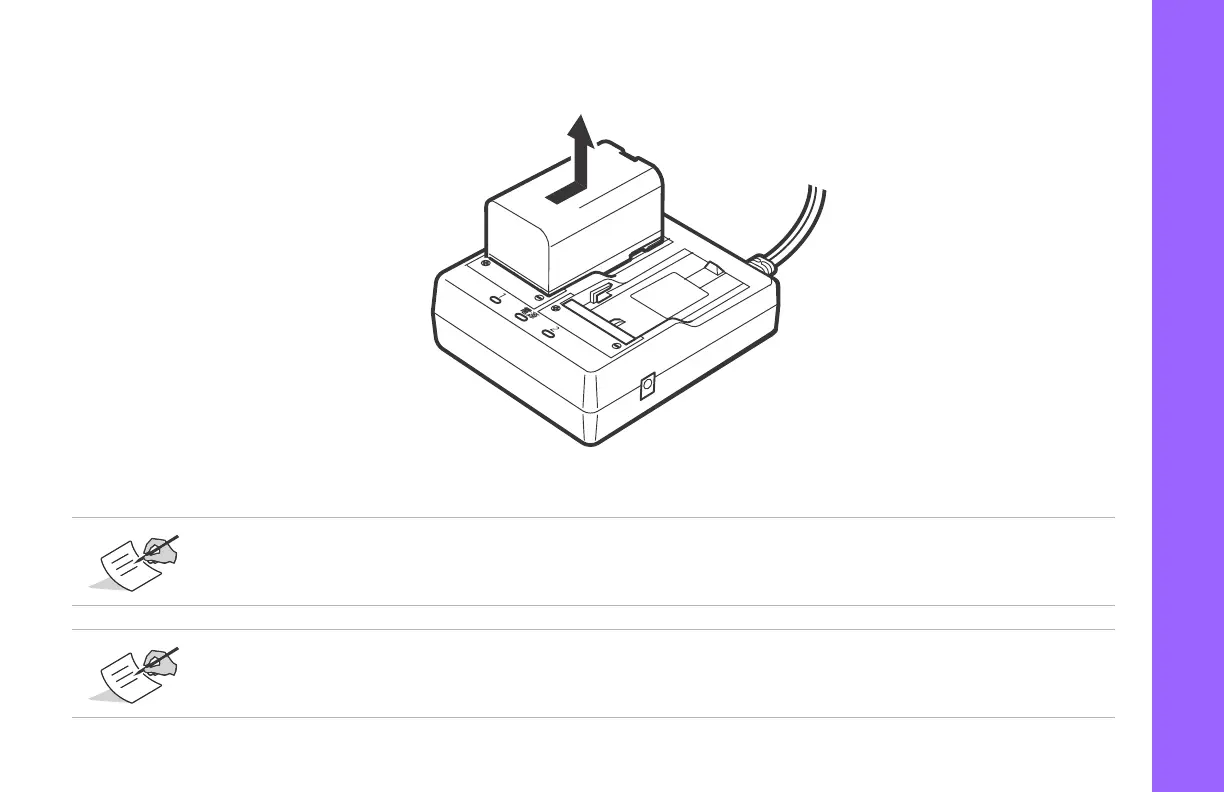
5. Removethebatteryandunplugthecharger.
Figure14:RemoveBattery
Slots1and2:Thechargerstartschargingthebatterymountedfirst.Iftwobatteriesareplacedinthecharger,
thebatteryinslot1ischargedfirst,andthenthebatteryinslot2.
Charginglamp:Thecharginglampisoffwhenthechargerisoutsidethechargingtemperaturerangeorwhen
thebatteryismountedincorrectly.Ifthelampisstilloffafterthechargerfallswithinitschargingtemperature
rangeandthebatteryismountedagain,contactalocaldealer.



 To Next Page