Control Box
P/N 7010-0344
2-7
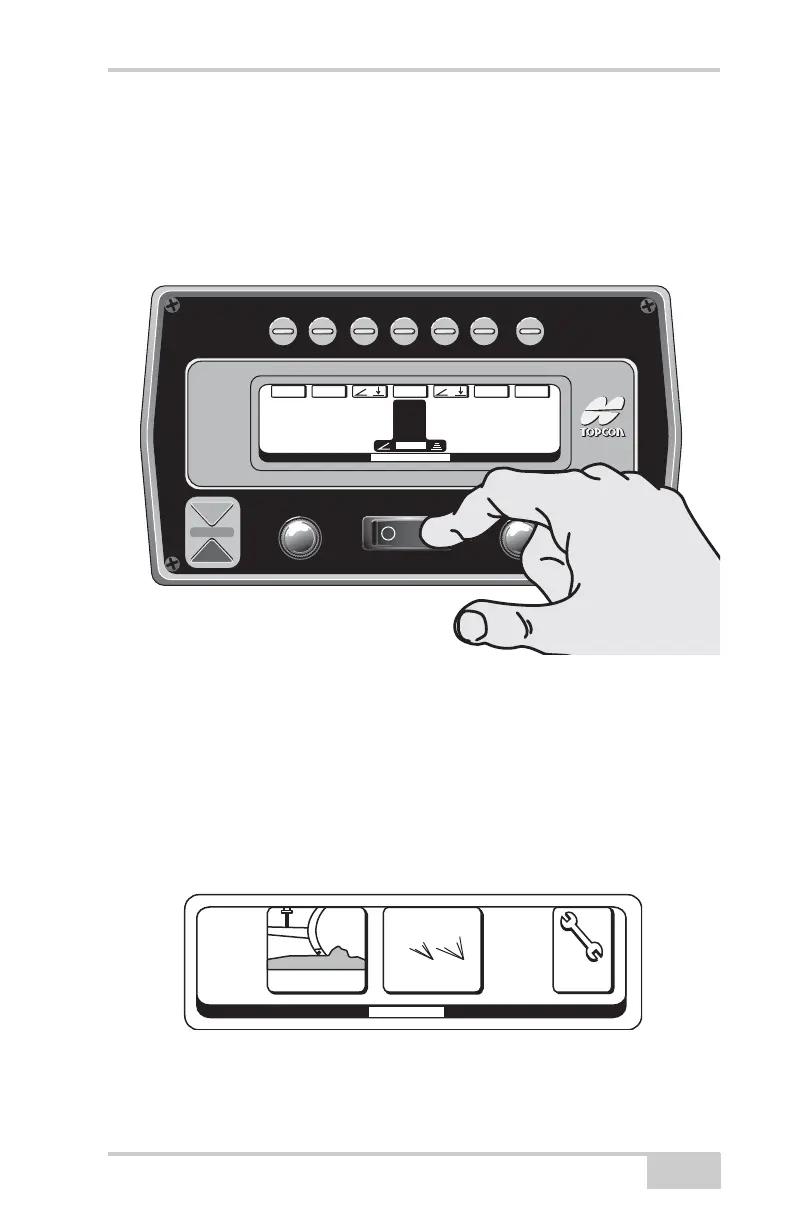
Function Buttons
When pushed these buttons activate the function shown on the screen
directly below.
Control Box Operation
Figure 2-9.
Basic Operation
Turn the Control Box on by pressing the "On/Off" switch. It will
always power up in the Control Mode. The adjustments and settings
will appear just as they were left the last time the box was shut off. In
order to work in the 3DMC or Setup Mode press the function button
directly above the Menu display.
Figure 2-10.
System
Five
System
Five
A
u
t
o
A
u
t
o
MAIN MENU
3D
-
M
CC
ont
r
ol
S
e
tup
3
D
System
Five
System
Five
CONTROL MODE
G
A
INS
E
T/+/
—
/T
R
IMM
E
NU
0.0% 0.0
F
T
+
MAIN MENU
3
D
-
M
CC
ont
r
ol
S
e
tup
3
D


 To Next Page