Operation
Motorgrader System Five Operator’s Manual
2-8
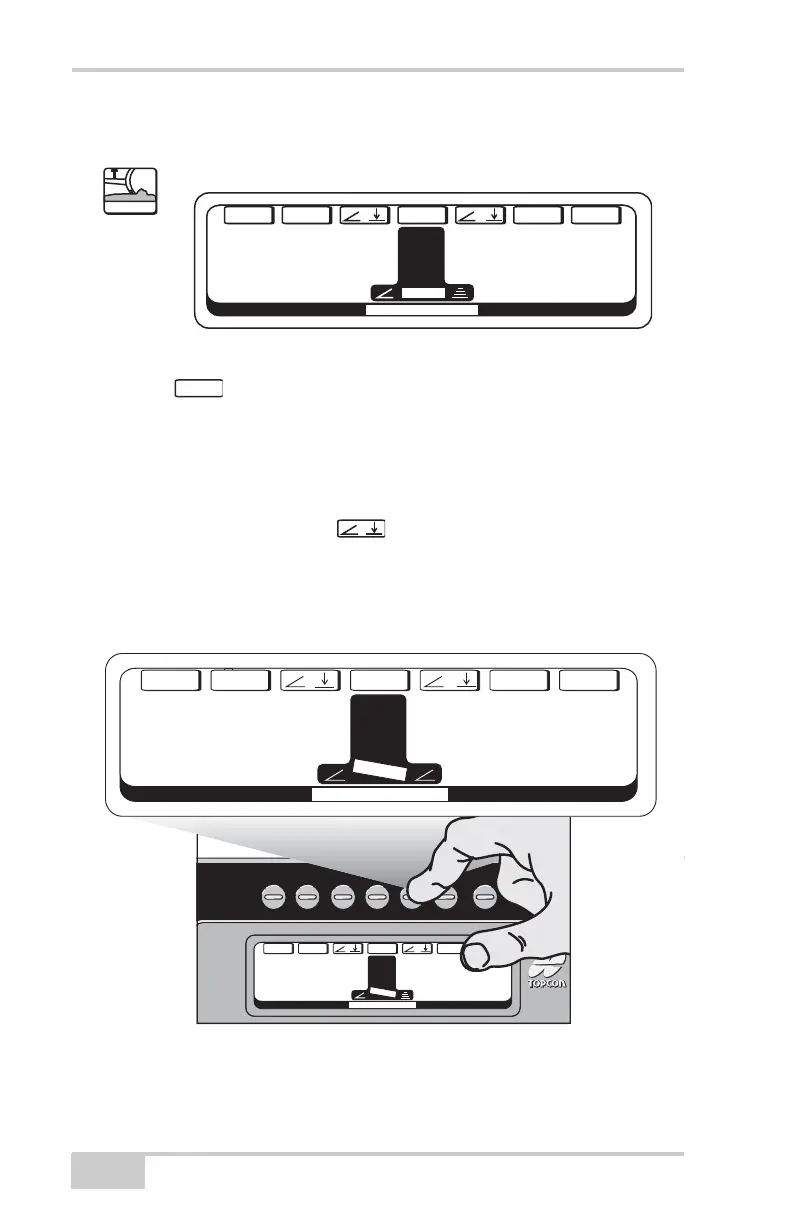
Control Mode
Figure 2-11.
• Menu
Pressing the Menu button will allow the operator to go to the
Main Menu. This enables the operator to choose between
Control, 3DMC, and Setup Modes.
• Elevation/Slope Setting
Pressing the Elevation/Slope button will change the left or right
sides of the LCD from Elevation Mode to Slope Mode and vice
versa.
Figure 2-12.
0.0
F
T
CONTROL MODE
G
A
INS
E
T/+/
—
/T
R
IMM
E
NU
0.0%
+
LEFT RIGHT
C
ont
r
ol
M
E
NU
/
System
Five
System
Five
System
Five
System
Five
CONTROL MODE
G
A
INSS
E
T/
+
/
—
/T
R
IMM
E
NU
2.0% 0.0
F
T
+
CONTROL MODE
G
A
INT
R
IM/
+
/
—
/T
R
IMM
E
NU
2.0% 2.0%


 To Next Page