Sonic Stringline
P/N 7010-0344
5-7
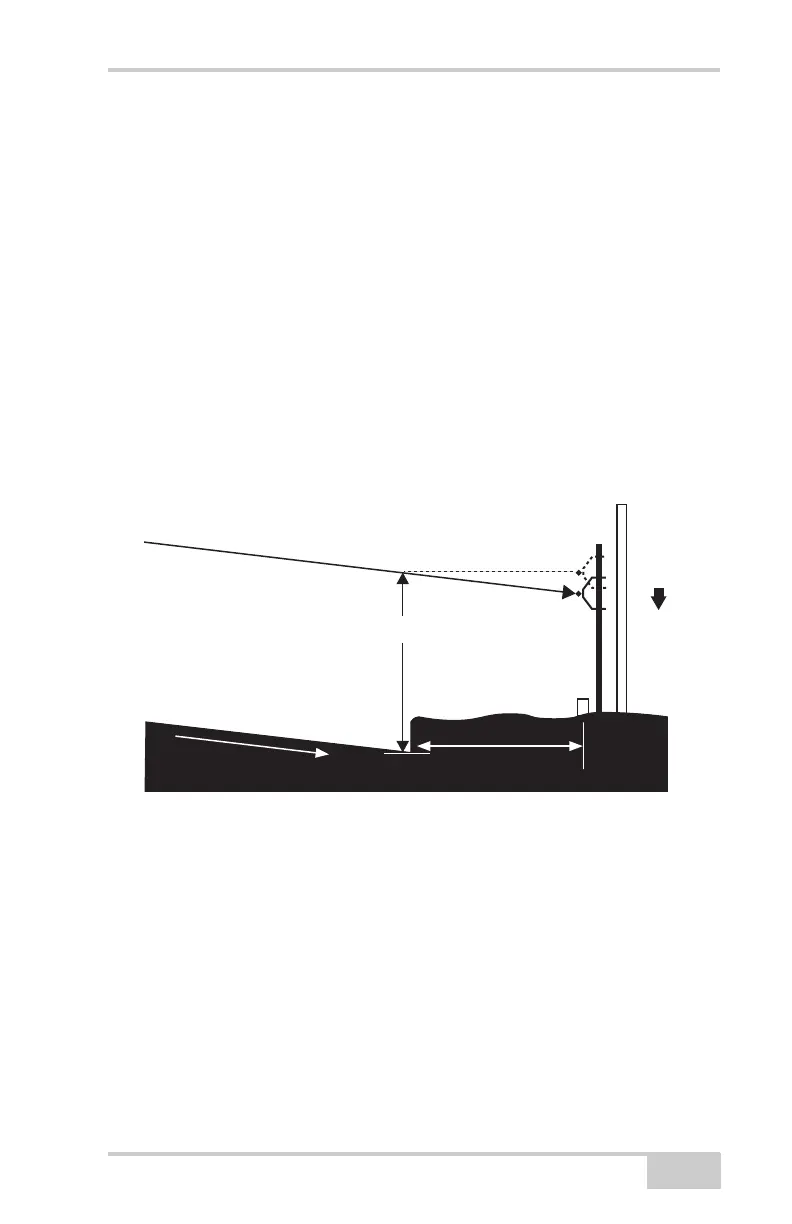
Setting Stringline to Projected Slope
Jobs with slope transitions or super-elevations must have the
stringline set to the "projected slope". Failure to do this will produce
an elevation error at the edge of the road as the slope is changed. To
set the stringline to the projected slope, first set up the string at the
desired hike up as shown in the previous pages. Next, raise or lower
the stringline to compensate for the % slope and the distance from
edge of the road to the stringline. [RISE = (RUN)(%)]. If the road is
rising away from the stringline, the stringline will need to be lowered.
If the road is sloping down from the stringline, the stringline will need
to be raised. This adjustment is needed at each station.
• Example: 2.0% Cross Slope with 2 feet offset.
Figure 5-8.
2.0' OFFSET
2.0'
2.0%
PROJECTED SLOPE
2.0% SLOPE X 2.00' OFFSET = .04'
LOWER
.04'



 To Next Page