Getting Ready to Grade
Motorgrader System Five Operator’s Manual
4-18
Using Set Points
Set Points will allow the operator to preset up to 3 different elevation
and slope settings. This is most commonly used when the job
application requires multiple settings from one pass to another.
Each time the Set Point Switch is toggled, the Control Box will
switch to the next Set Point. The Control Box will automatically
remember the settings just as you left them before you switched.
(Refer to the Set Points section within this manual).
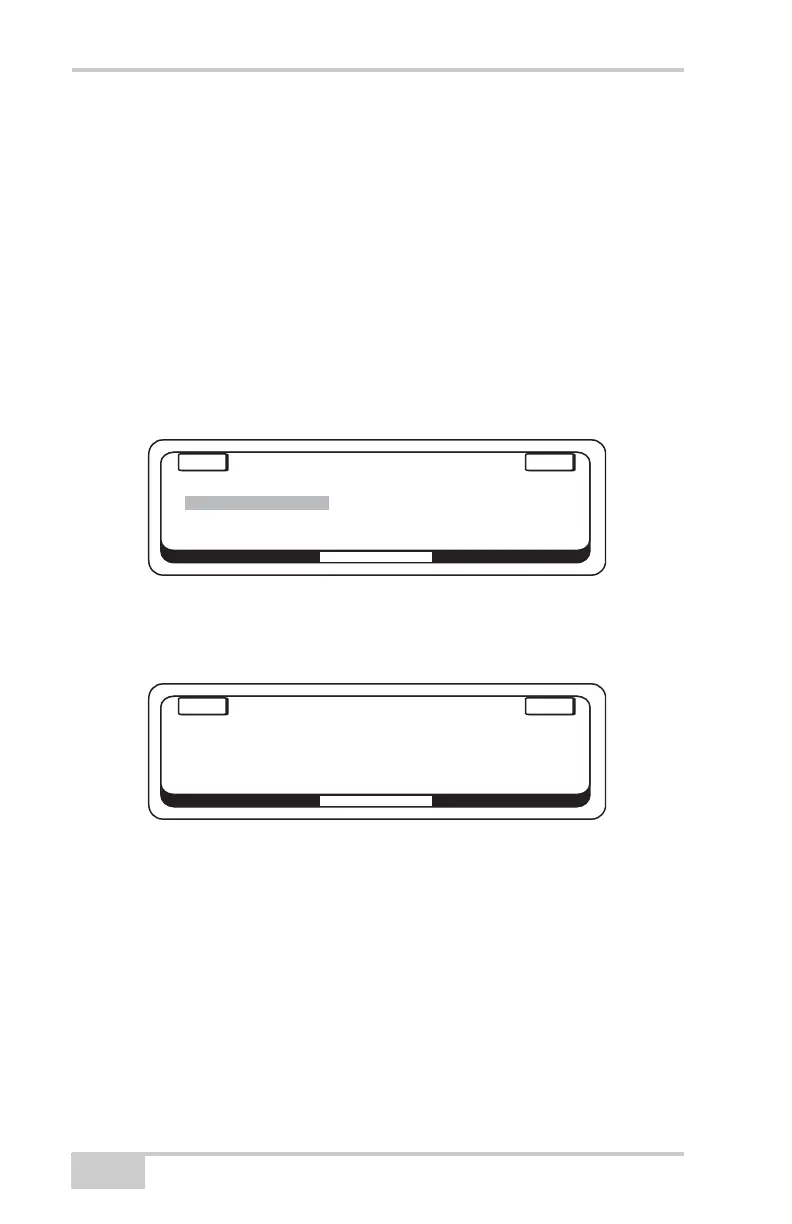
To set up System Five to use Set Points, go to the Set Up Mode and
select Set Points. Push "ENTER" to access Set Points.
Figure 4-26.
Turn the right Control Box knob to enter the number of set points
desired for your job application.
Figure 4-27.
MACHINE SETUP
E
NT
E
R
E
XIT
CALIBRATION
SET POINTS
MEASUREMENT UNIT
CHECK HOURMETERS
ADJUST LED BRIGHTNESS
SYSTEM TEST
BEEPER
MACHINE SETUP
E
NT
E
R
E
XIT
Enter number of
Set Points desired.
3


 To Next Page