Using Set Points
P/N 7010-0344
4-19
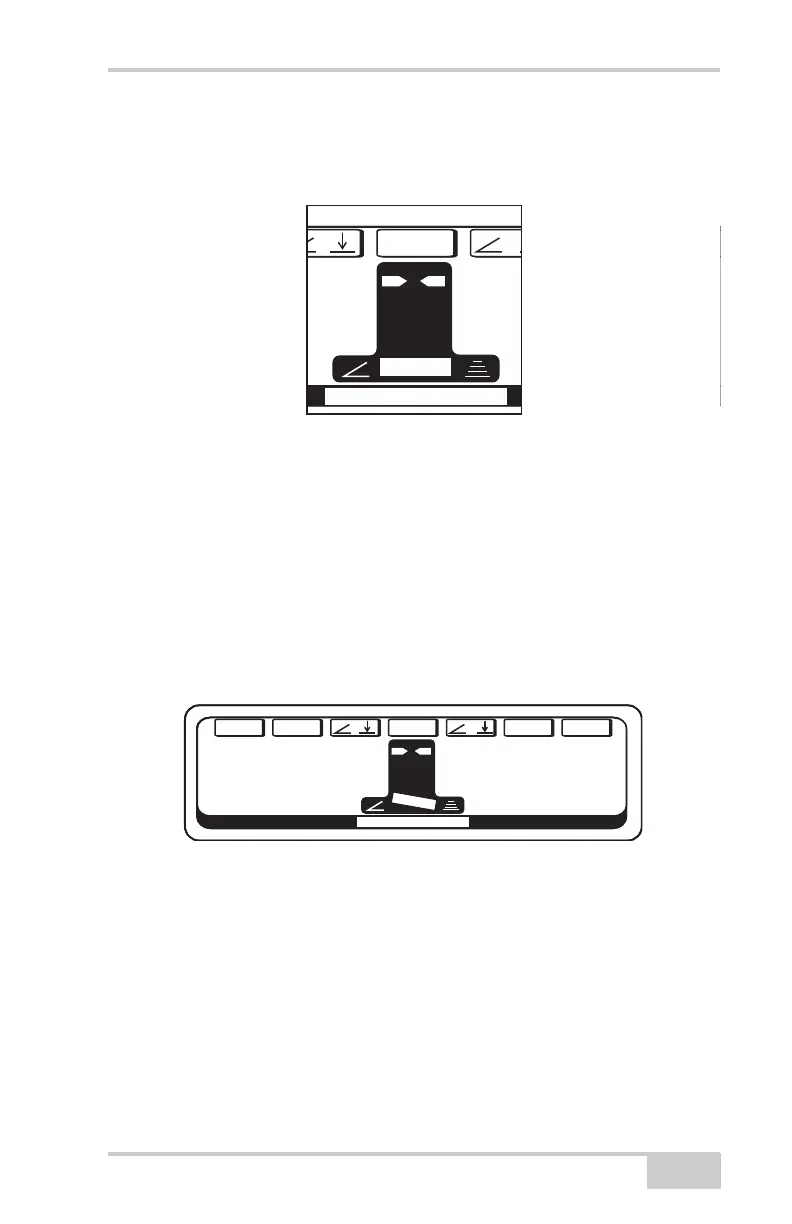
After returning to Control Mode, the center of the LCD will display
the number of Set Points entered and which one is currently being
used.
Figure 4-28.
To switch to a different Set Point, push the Set Point switch on the
right hand Smart Knob inward for one second a beep is heard. System
Five will now display and operate on these new settings.
As an example of how Set Points might be used, let's look at a simple
job application using two Set Points.
For this pass, the right side is set to Sonic Tracker Control to cut 1.90'
below the stringline. The left side is set for a 2.0% slope going up to
the centerline.
Figure 4-29.
CONTROL MODE
G
a
in
s
S
E
T/
+
/
—
/T
R
IMM
E
NU
0.0% 0.0
F
T
+
2.0
CONTROL MODE
G
A
INSS
E
T/
+
/
—
/T
R
IMM
E
NU
-.95
F
T
2.0
CONTROL MODE
G
A
IN
S
E
T/
+
/
—
/T
R
IMM
E
NU
-1.00
F
T
0.1
F
CONTROL MODE
G
A
INS
E
T/
+
/
—
/T
R
IMM
E
NU
0.0%
+
1
2
3
CONTROL MODE
G
a
in
s
S
E
T/+/
—
/T
R
IMM
E
NU
0.0% 0.0
F
T
+
2.0%
CONTROL MODE
G
A
INSS
E
T/+/
—
/T
R
IMM
E
NU
-.95
F
T
2.0%
CONTROL MODE
G
A
INSS
E
T/+/
—
/T
R
IMM
E
NU
-1.00
F
T
1.90
F
T
CONTROL MODE
G
A
INS
E
T/+/
—
/T
R
IMM
E
NU
2.0%
-
1
2


 To Next Page