94
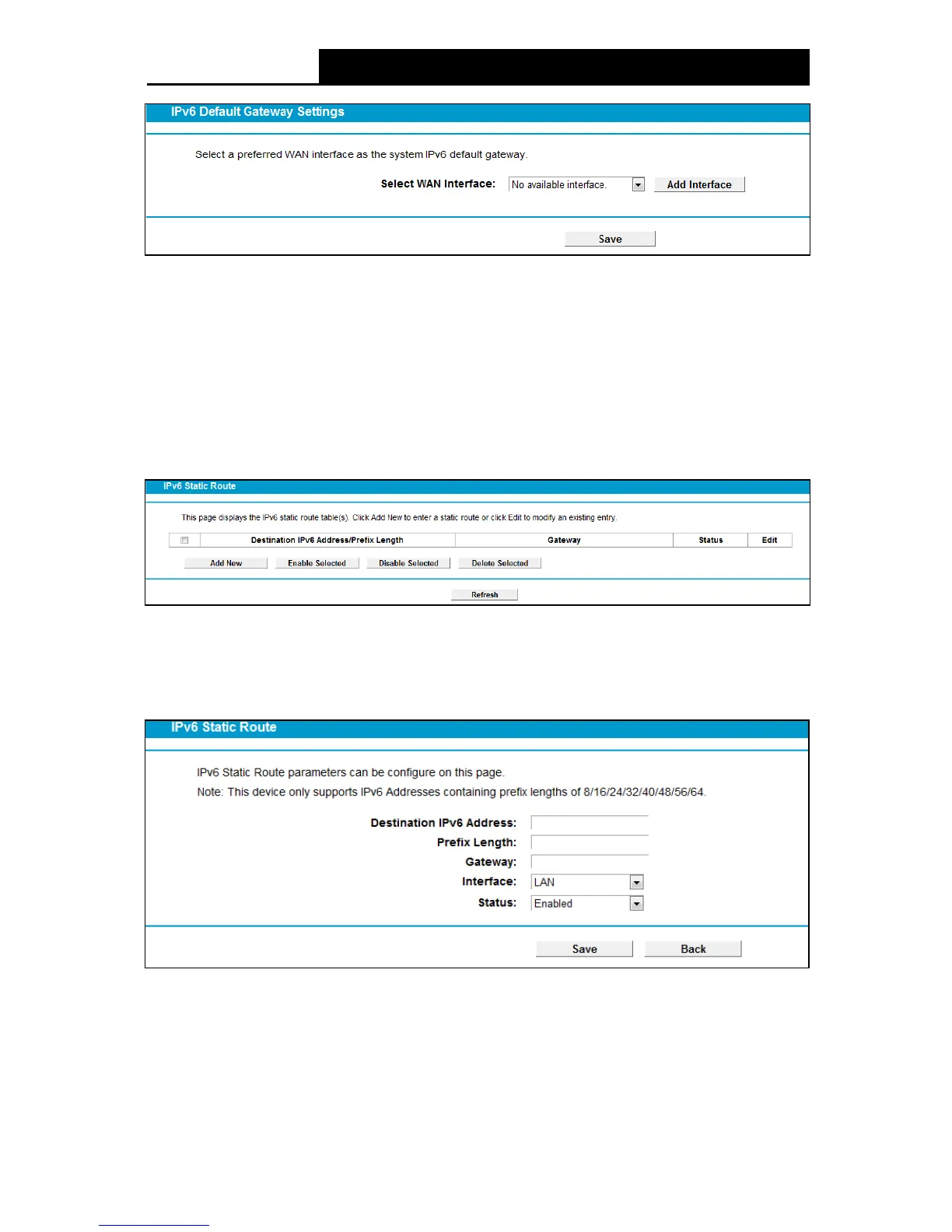
Figure 4-89
Click the Add Interface button, you can add WAN Interfaces.
Click the Sav e button to save your settings.
4.13.2 IPv6 Static Route
Choose “I Pv 6 Route Se ttings” “IPv6 Static Route”. You can see the IPv6 Static Route screen.
This screen allows you to configure the IPv6 static routes (shown in Figure 4-90). An IPv6 static
route is a pre-determined path that network information must travel to reach a specific host or
network.
Figure 4-90
To add a new entry, follow the instructions below.
1. Click the Add New button in Figure 4-90, and you will see the screen as shown in Figure
4-91.
Figure 4-91
2. Enter the following data:
De stination IPv 6 Ad dre ss: The IPv6 address of the network or host that you want to assign
to a static route.
Prefix Length: The prefix length of the destination IPv6 address.



 To Next Page
 Loading...











