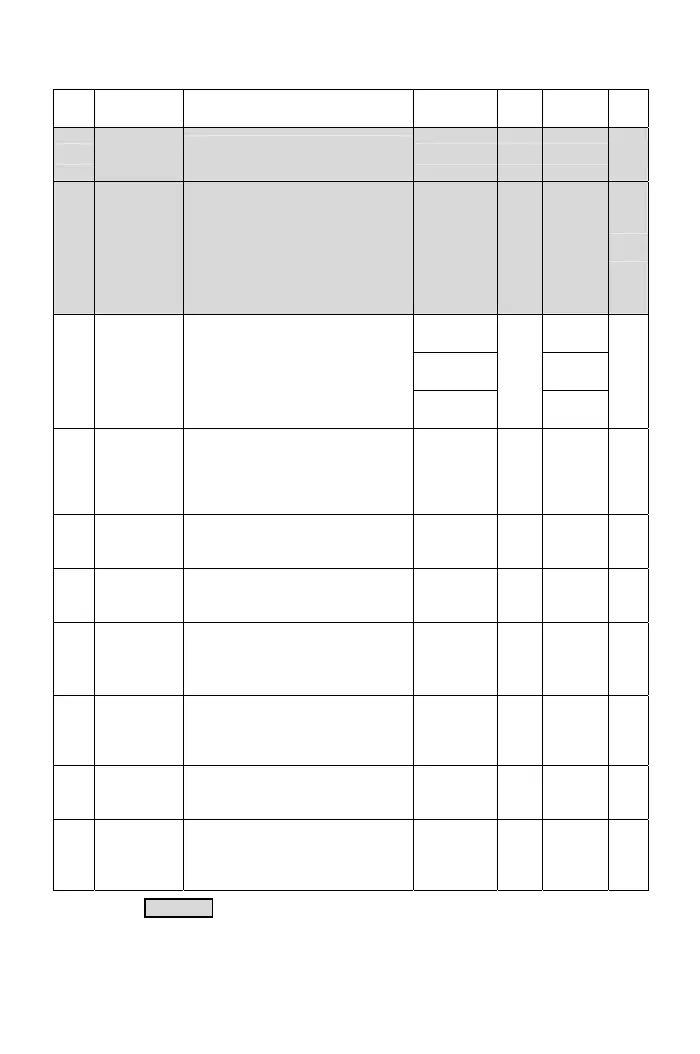
Func. Name Descriptions
Range of
Setting
Unit
Factory
Setting
Note
F3.28
Pulse Setting
of Braking
Transistor
Set the pulse width of drive baking
signal.
10~90 1% 50
*Note
9
F3.30
Operation
Selection at
Instantaneous
Power Failure
0: Drive cannot be restarted
1: Drive can be restarted
2: Ramp to stop (please refer to the
F3.31~F3.35)
3: When the power is restored during
the ramp to stop interval, the drive
re-accelerates again
0~3 ─ 0
*Note
9
75.0~96.0
*Note 3
87.5
*Note 3
150.0~192.0
*Note 4
175.0
*Note 4
F3.31
The Voltage
Level Setting
at Power
Failure
Set the voltage level of power source
for ramp to stop. When the voltage o
power input is lower than the setting
level, drive ramps to stop.
300.0~384.0
*Note 5
0.1V
320.0
*Note 5
*Note
9
*Note
9
F3.32
Subtracted
Frequency of
Deceleration
at Power
Failure
When the power failure, the output
frequency = drive’s original output
frequency - subtracted frequency.
0.0~20.0 0.1Hz 3.0
*Note
9
F3.33
Deceleration
Time 1 at
Power Failure
Set a deceleration time down to the
turning frequency set in (F3.35).
0.0~3200.0 0.1sec 5.0
*Note
9
F3.34
Deceleration
Time 2 at
Power Failure
Set a deceleration time below the
turning frequency set in (F3.35).
0.0~3200.0 0.1sec 5.0
*Note
9
F3.35
Turning
Frequency at
Power Failure
power failure that the deceleration
time is switched from the F3.33
setting to the F3.34 setting.
Set the turning frequency level at
0.0~400.00 0.1Hz 0.0
*Note
9
F3.37
The Current
Level of
Speed
Tracing
When the current large than the
tracing current, the output frequency
is tracing downward.
0~200%
of drive
rated current
1% 150
*Note
9
F3.38
Delay Time
for Speed
Tracing
Set the output delay time before the
speed tracing.
0.1~60.0 0.1sec 0.5
*Note
9
F3.39
The V/F
Pattern of
Speed
Tracing
Set the percentage of V/F output
voltage at the speed tracing.
0~100% 1% 100
*Note
9
The color as means functions can be set during the operation.
29



 To Next Page