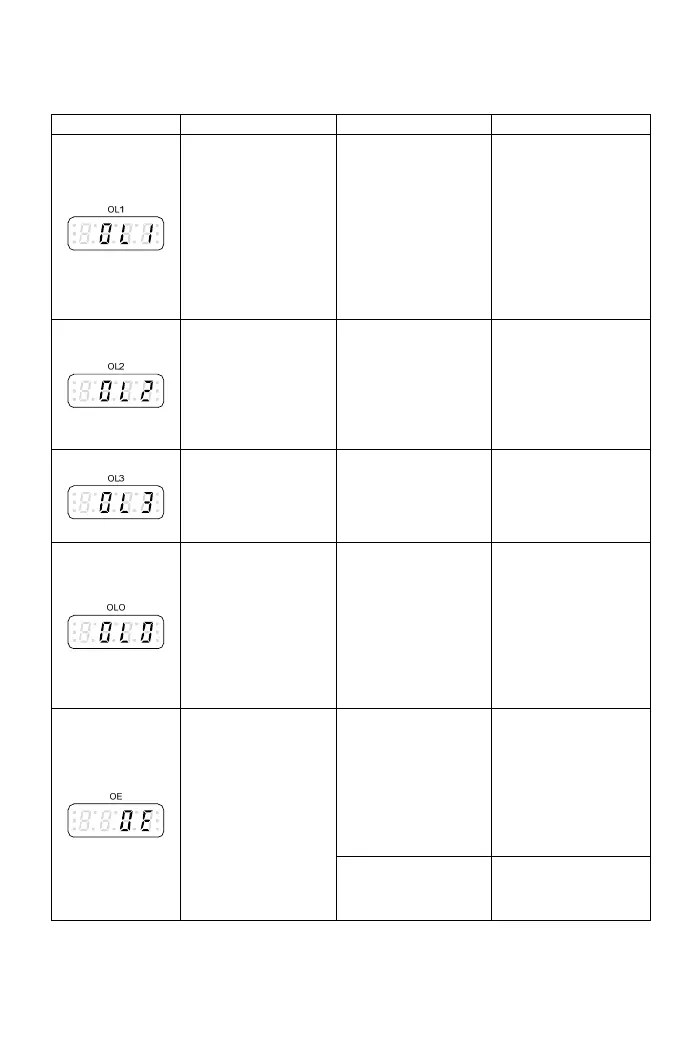
Drive error trip message
Display Description Cause Troubleshooting
D
rive overload ●Motor overload. ●Check the load of
r if overload. ●Operation current
exceeds 150% of
●The voltage setting
of V/F pattern is too
moto
●Chec
drive’s rated high or to w. acceleration or
current and
continues for
●Drive capacity is
too small.
deceleration tim
too short.
1minute.
o lo
k if the
e is
●Check if V/F setting
is proper.
●Select the higher
cap
acity of drive.
exceeds 200% of
drive’s rated
current.
e
t r
g
on.
D imit
●Operation curren
rive current l
t
●Motor overload.
●Acceleration tim
too short.
is
.
●
and drive
compatibility.
●Check if the moto
is operated in
over-ratin
conditi
●Immediate restar
after coast to stop
Check the motor
o
ure of the
braking transistor too
high.
e.
Braking transist r The frequent brakin
action causes the
temperat
overload
g Increase the
deceleration tim
level.
●Detection level:
System overload
●Load is too hea
vy
ion
s the
---
Check the usage of
mechanical
equipment. and the operat
current reache
active
F4.28
●Detection time:
F4.29
The deceleration
time of motor is to
ltag
s.
o
short causing the
regeneration vo
too high on D
the setting
value of
deceleration time
e ●Use high torque
braking method.
●Add dynamic br
C bu
●Increase
ake
unit to reduce
regenerate voltage.
b
DC820V
Over voltage
●The internal DC
bus voltage is ov
the protection leve
●100V/200V series:
o
er
l.
About DC410V
●400V series: A ut
Power source is too
high.
Check if the input
power is within
drive’s rated range.
99



 To Next Page