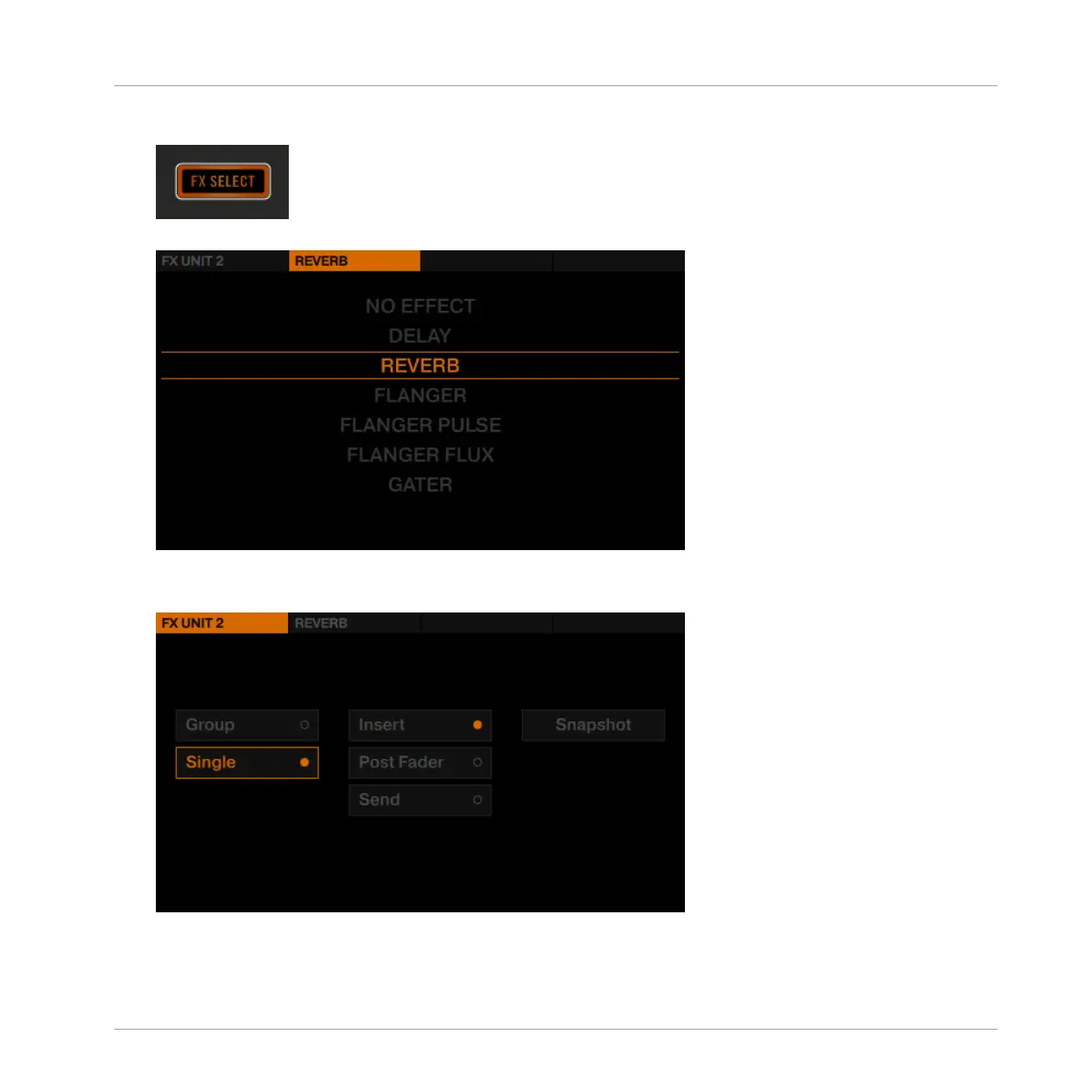
1. Press the FX SELECT button in the top right of the D2.
FX Unit 2's setup menu opens in the display.
2. Press FX Button 1 to display the FX Unit 2 options.
3. Ensure the options Single and Insert are selected.
4. Press FX Button 2 to display the list with available FX.
Using Your D2—Getting Advanced
Adding FX
TRAKTOR KONTROL D2 - Manual - 97



 To Next Page